AI PS2 Filter
Upload a photo to apply this effect while keeping the subject recognizable for a natural, polished result.
Image
Examples
PS2 Filter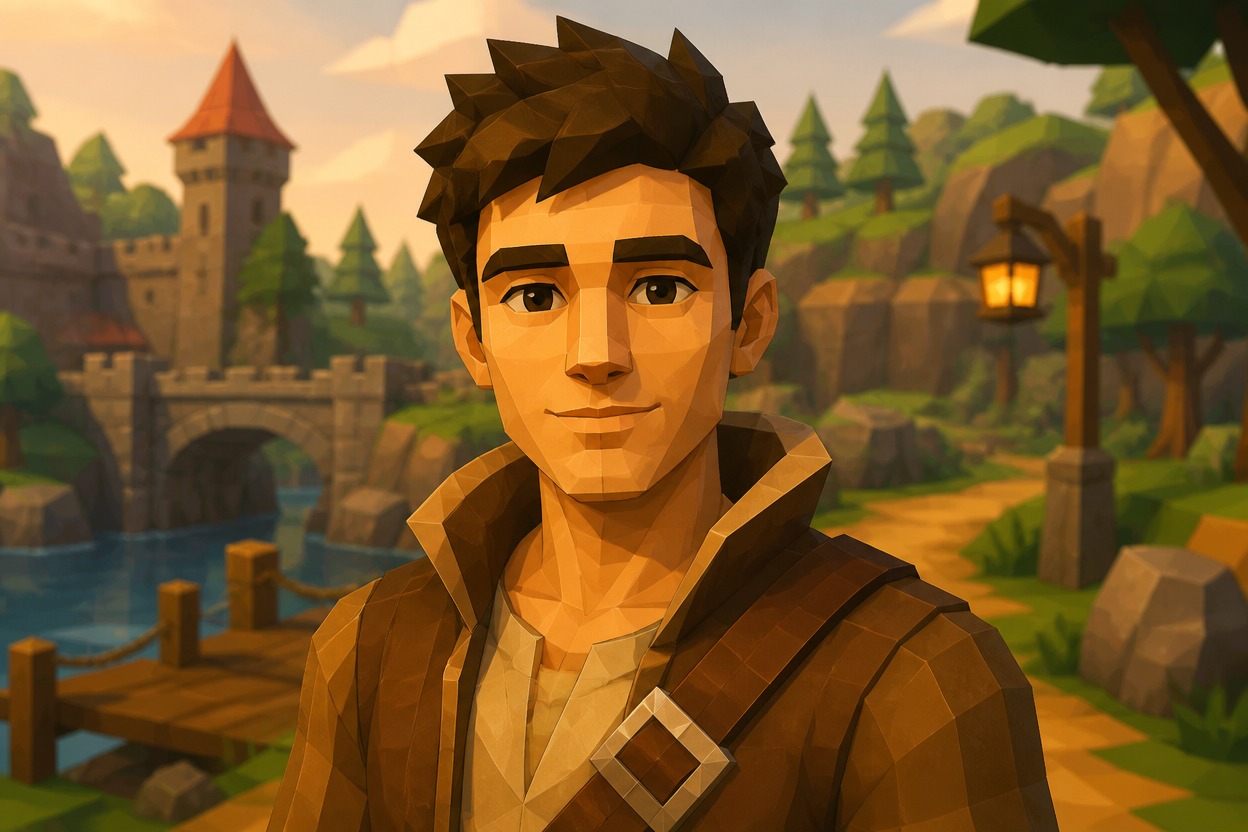
AI PS2 Filter from Photo
Upload one image and turn it into an original early-2000s console-game scene. Powered by GPT-Image-2, AI Hug reinterprets the subject, setting, lighting, and textures as one coherent retro 3D image.
Apply the PS2 EffectGive Any Photo a Polished Retro-Game Look
One Upload, One Complete Transformation
The effect interprets your visible subject and surroundings together, producing a unified retro-game scene instead of placing a simple overlay on the photo.
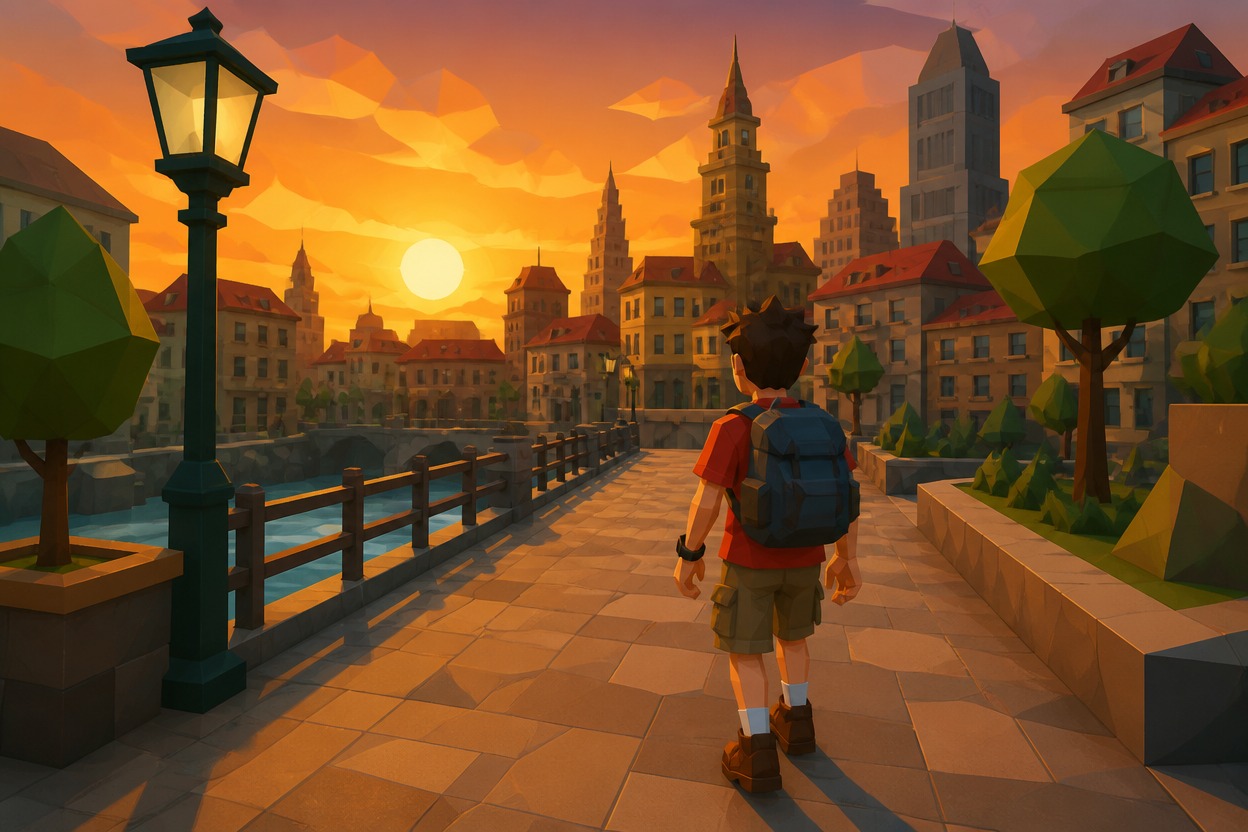
Distinctive PS2-Era Visual Language
GPT-Image-2 builds the look with low-poly forms, simplified textures, cinematic lighting, gentle bloom, color banding, and atmospheric depth.
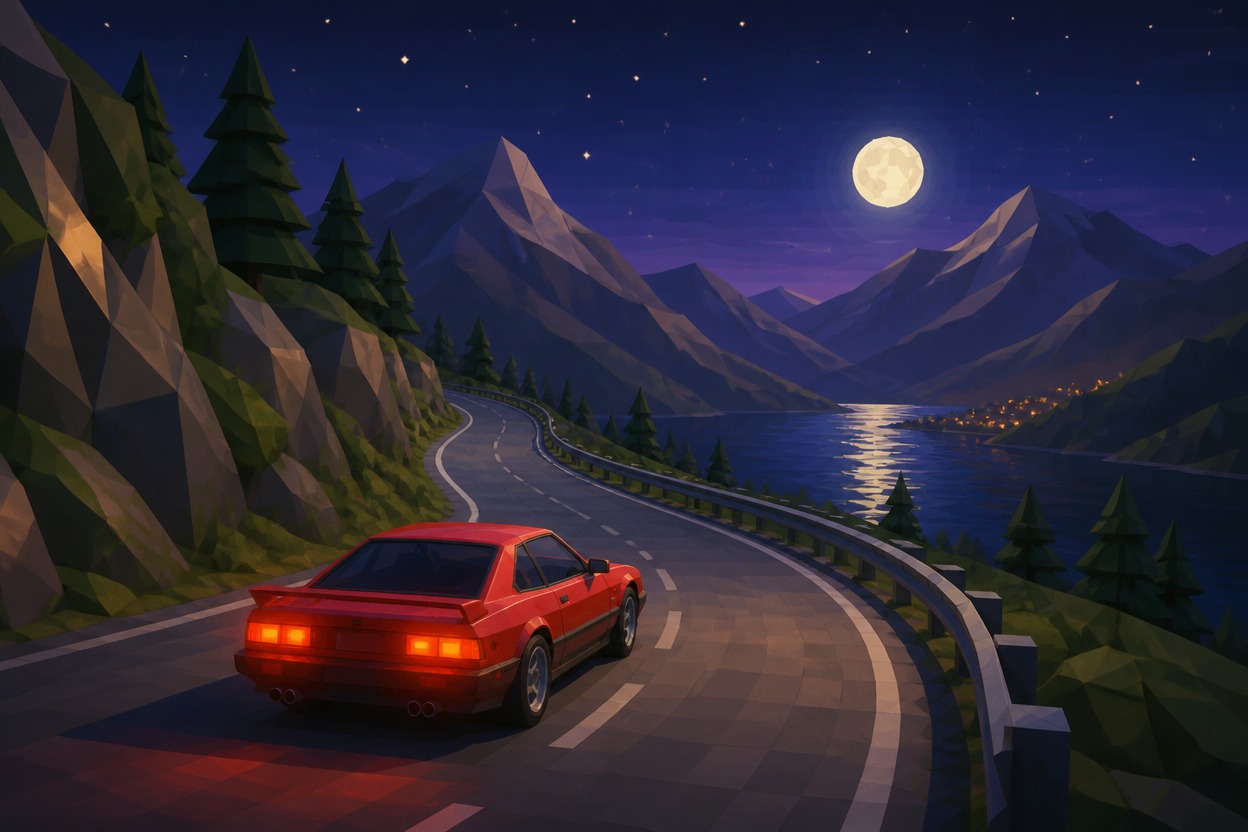
Original, Shareable Retro Scenes
Create a fresh game-inspired interpretation of portraits, travel shots, outfits, and everyday moments without copying protected characters or branded game assets.
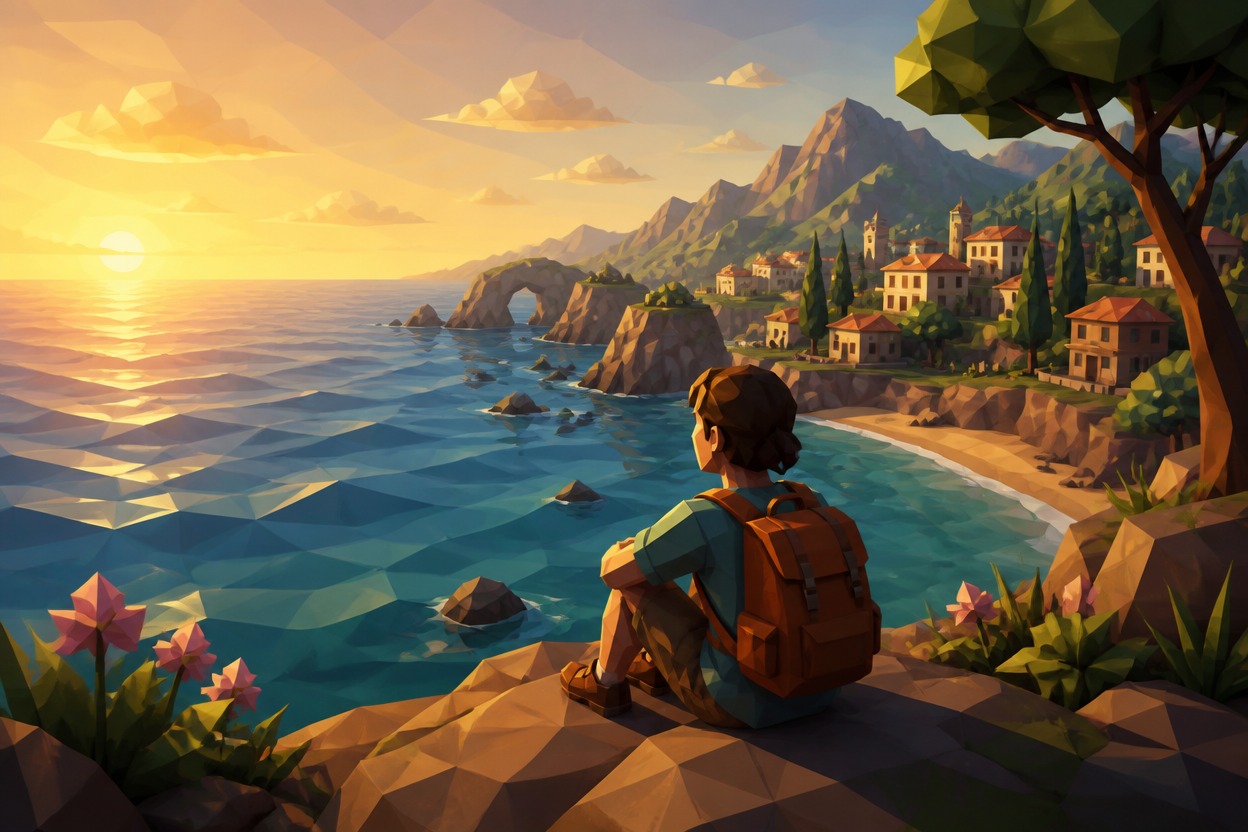
Retro-game photo effects for portraits, travel images, outfits, characters, and creative concepts
Ways to Use the AI PS2 Filter
Retro Profile Pictures
Recast a clear portrait as an original low-poly game character for a distinctive avatar or profile refresh.
Travel Scene Reimagining
Turn beaches, streets, skylines, and scenic viewpoints into atmospheric early-2000s game environments.
Outfit and Style Concepts
See clothing, hair, pose, and setting interpreted together through a stylized retro 3D visual language.
Original Character Art
Transform artwork or a suitable character image into a cohesive game-inspired scene with fresh, unbranded details.
Nostalgic Social Visuals
Create an eye-catching still image with low-poly forms, cinematic color, and era-inspired texture for personal sharing.
Creative Moodboards
Explore lighting, color palettes, environments, and character styling for a retro-game-inspired visual direction.
How to Use the AI PS2 Filter
Upload one image, apply the effect, and review your transformed scene
01
Upload One Clear Image
Choose a sharp photo with a visible subject and enough environmental detail for the effect to reinterpret. Use an image you have permission to transform.
02
Apply the AI PS2 Filter
Start the one-image transformation. AI Hug uses GPT-Image-2 to rebuild the subject, textures, lighting, and setting in a cohesive retro 3D style.
03
Preview and Download
Review faces, hands, clothing, background continuity, and small details, then download the generated still image you want to keep.
Answers about one-photo input, GPT-Image-2, source quality, original content, access, and affiliation