Short Hair Filter
Upload a photo to apply this effect while keeping the subject recognizable for a natural, polished result.
Image
Examples
Short Hair Filter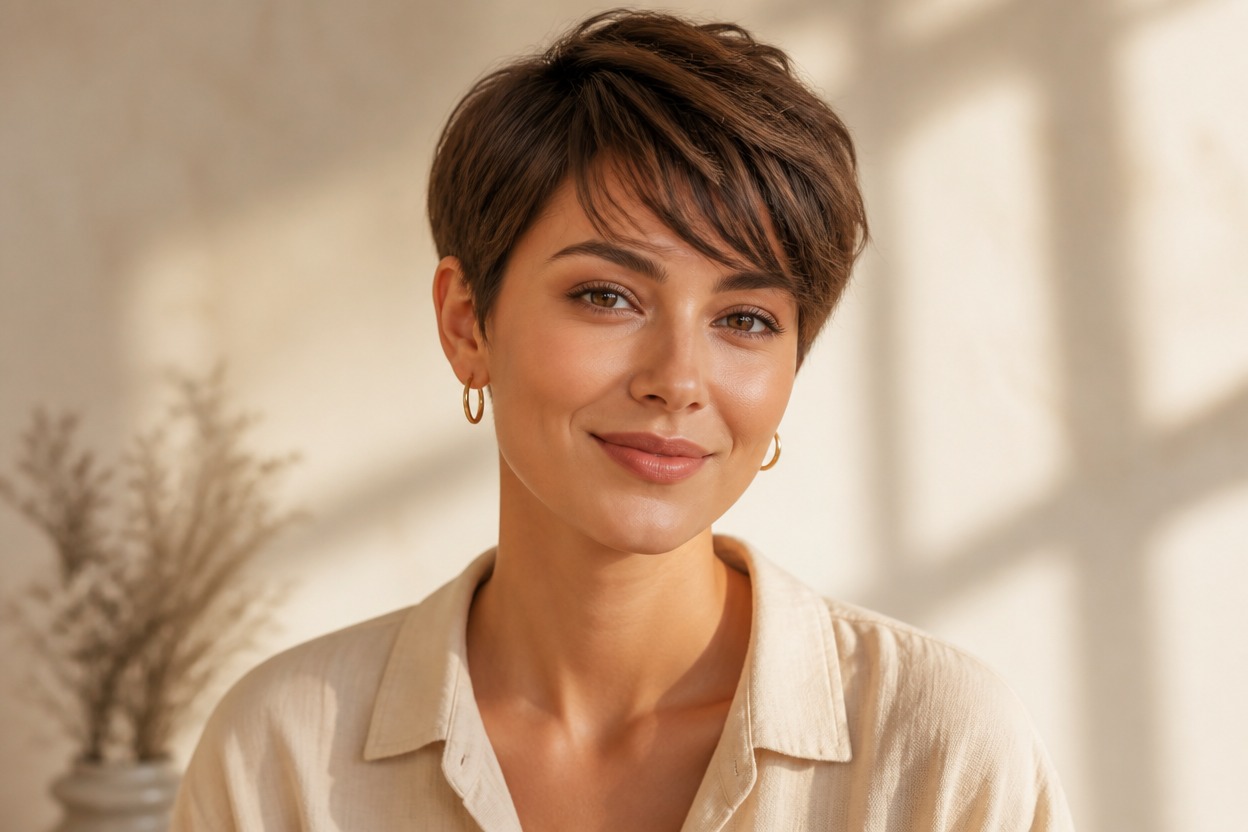
Short Hair Filter from Photo
Upload one clear portrait and transform it into a polished short hairstyle. Powered by GPT-Image-2, AI Hug reinterprets the hair length, shape, strands, and volume as one coherent image.
Try a Short HairstyleSee How a Short Hairstyle Could Suit Your Photo
Short Cuts That Fit the Portrait
Preview a bob, pixie, crop, or other short-hair direction shaped around the visible face, head angle, and existing composition.
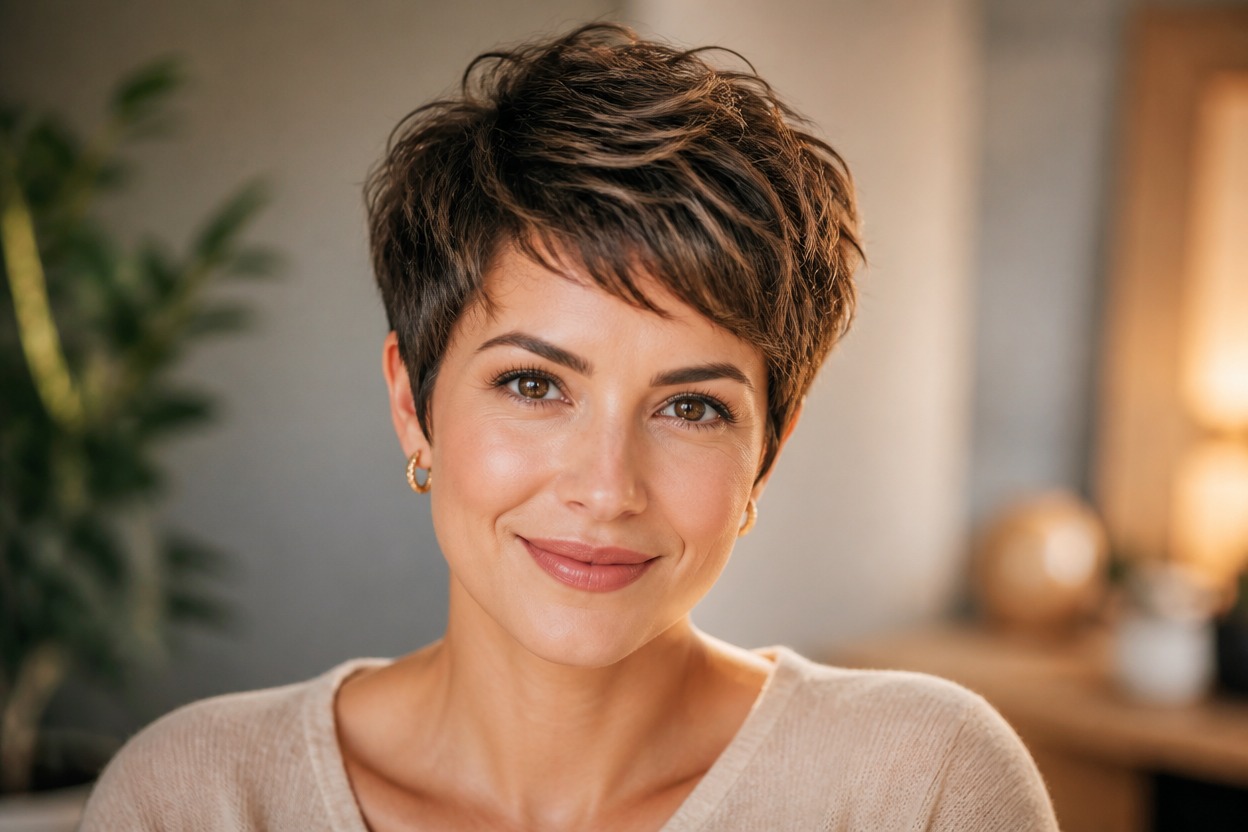
Believable Hairlines and Strand Detail
GPT-Image-2 can rebuild the hair with layered strands, natural volume, and cleaner transitions around the forehead, temples, ears, neck, and clothing.
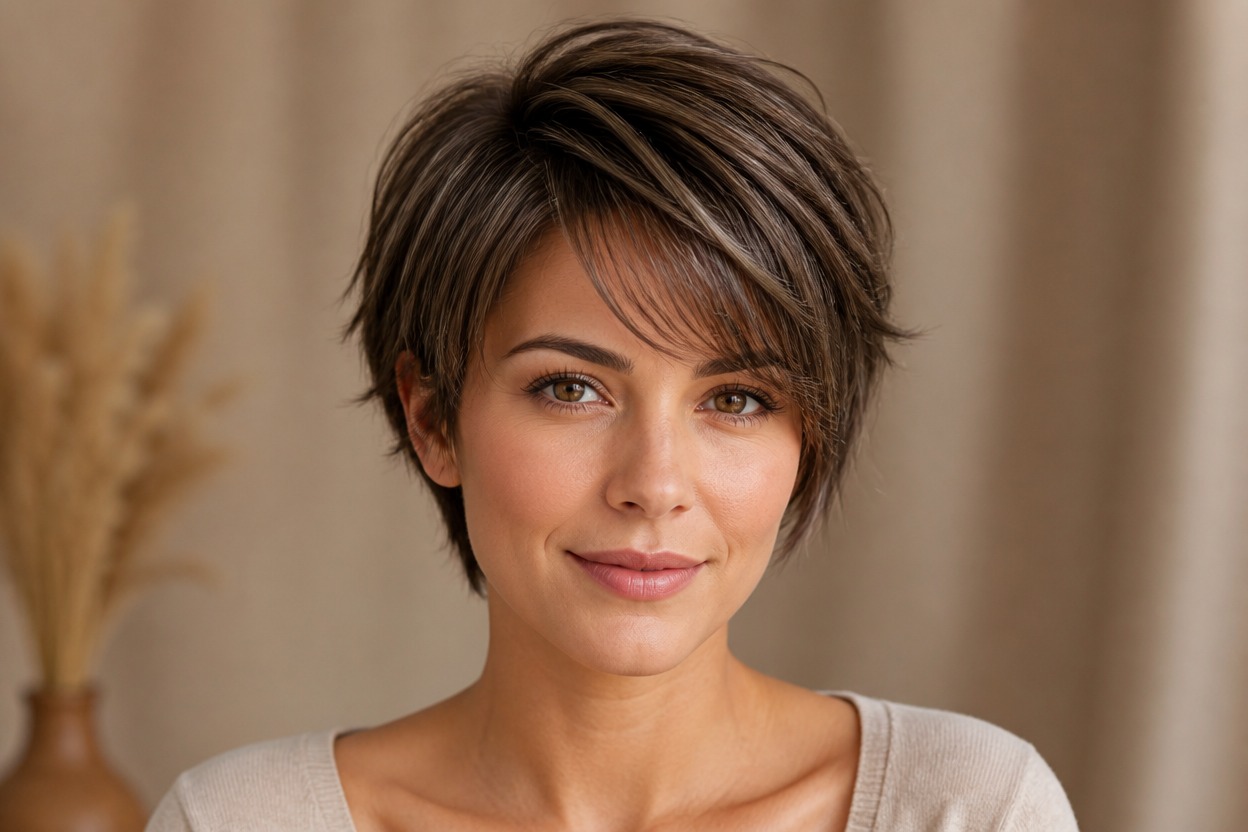
A Coherent One-Photo Edit
The transformation focuses on hairstyle length and silhouette while aiming to keep the person, expression, lighting, pose, and background recognizable.
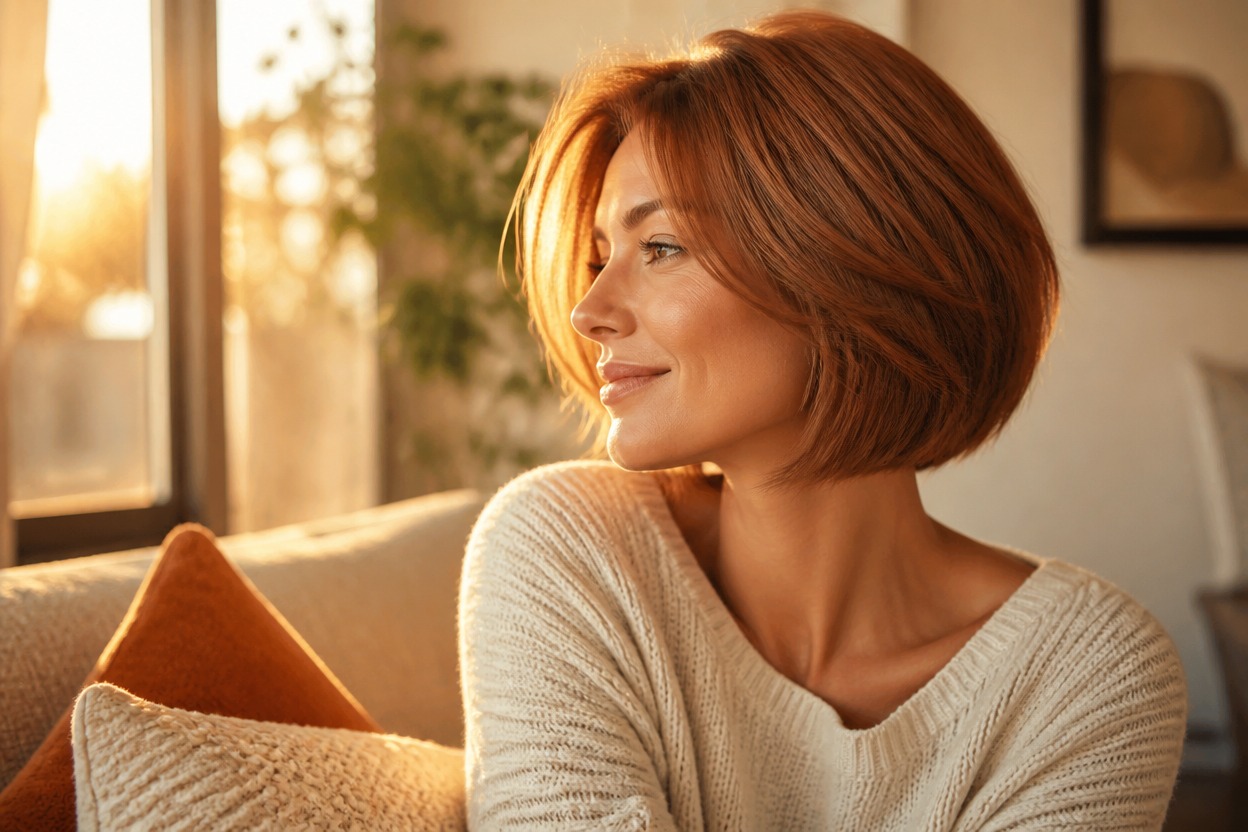
Explore pixies, bobs, fringes, profile updates, and practical haircut references
Short Hair Ideas for Planning and Personal Style
Pixie Cut Preview
Explore a close-cropped pixie direction with a defined silhouette and soft detail around the hairline and ears.
Bob Haircut Ideas
Picture a chin-length, jaw-length, blunt, or softly layered bob on a familiar portrait.
Bangs with Short Hair
See how side-swept bangs, a short fringe, or face-framing layers can balance a shorter cut.
Salon Consultation Reference
Create a visual direction to discuss length, layers, shape, texture, and maintenance with a stylist.
Profile Picture Refresh
Generate a recognizable portrait variation with short hair for a fresh personal profile image.
Event and Character Styling
Test a short hairstyle direction for an original costume, photo session, or special-event look.
How to Use the Short Hair Filter
Upload one portrait, apply the effect, and review your short-hair preview
01
Upload One Clear Portrait
Choose a sharp, well-lit image of one adult where the face, hairline, current hair, and neck are easy to see.
02
Apply the Short Hair Effect
Start the one-image transformation. AI Hug uses GPT-Image-2 to generate a shorter hairstyle that fits the visible portrait and scene.
03
Preview and Download
Check the hairline, ears, neck, facial likeness, strand detail, lighting, and background, then download the result you prefer.
Answers about one-photo input, GPT-Image-2, portrait quality, hairstyle options, and access