Watercolor Filter
Upload a photo to apply this effect while keeping the subject recognizable for a natural, polished result.
Image
Examples
Watercolor Filter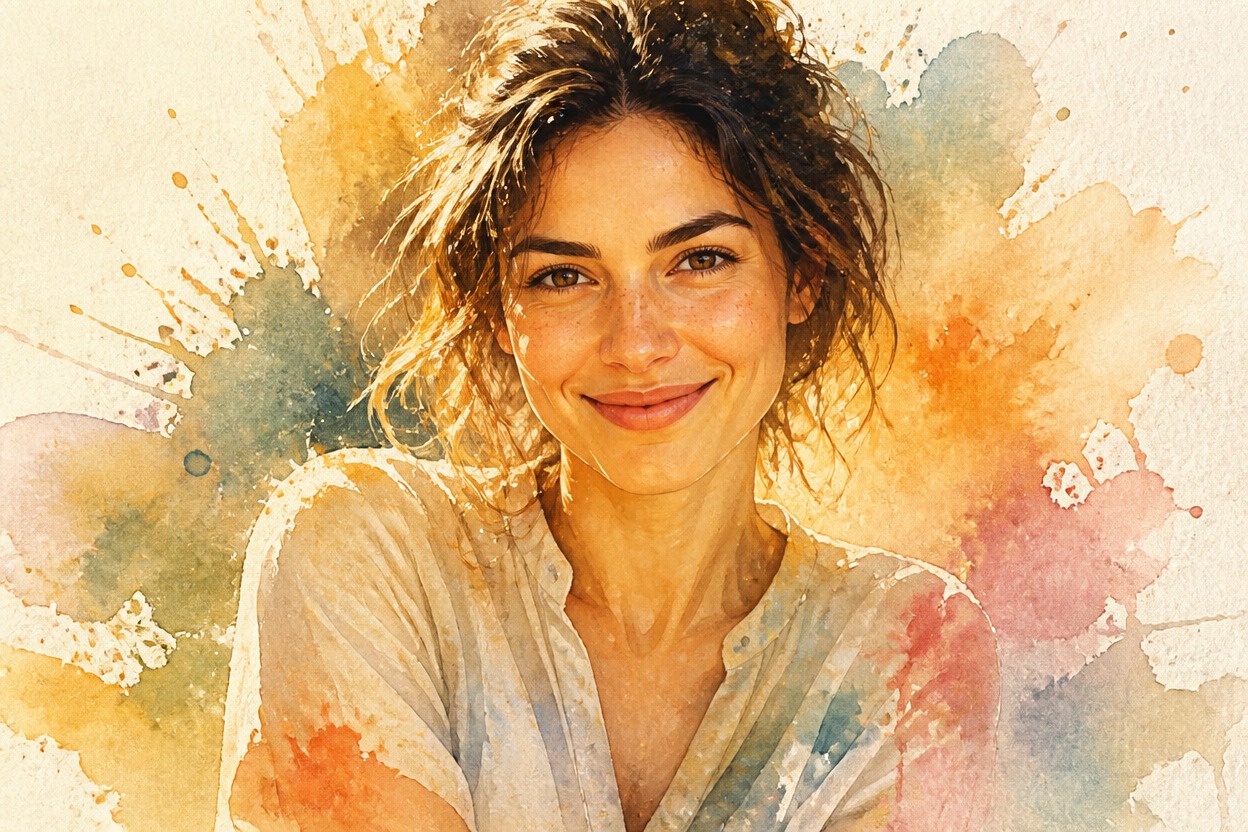
Watercolor Filter from Photo
Upload one image and transform it into a cohesive watercolor artwork. Powered by GPT-Image-2, AI Hug reinterprets the complete scene with translucent washes, softened edges, paper texture, and harmonious color.
Apply the Watercolor FilterCreate Expressive Watercolor Art from One Photo
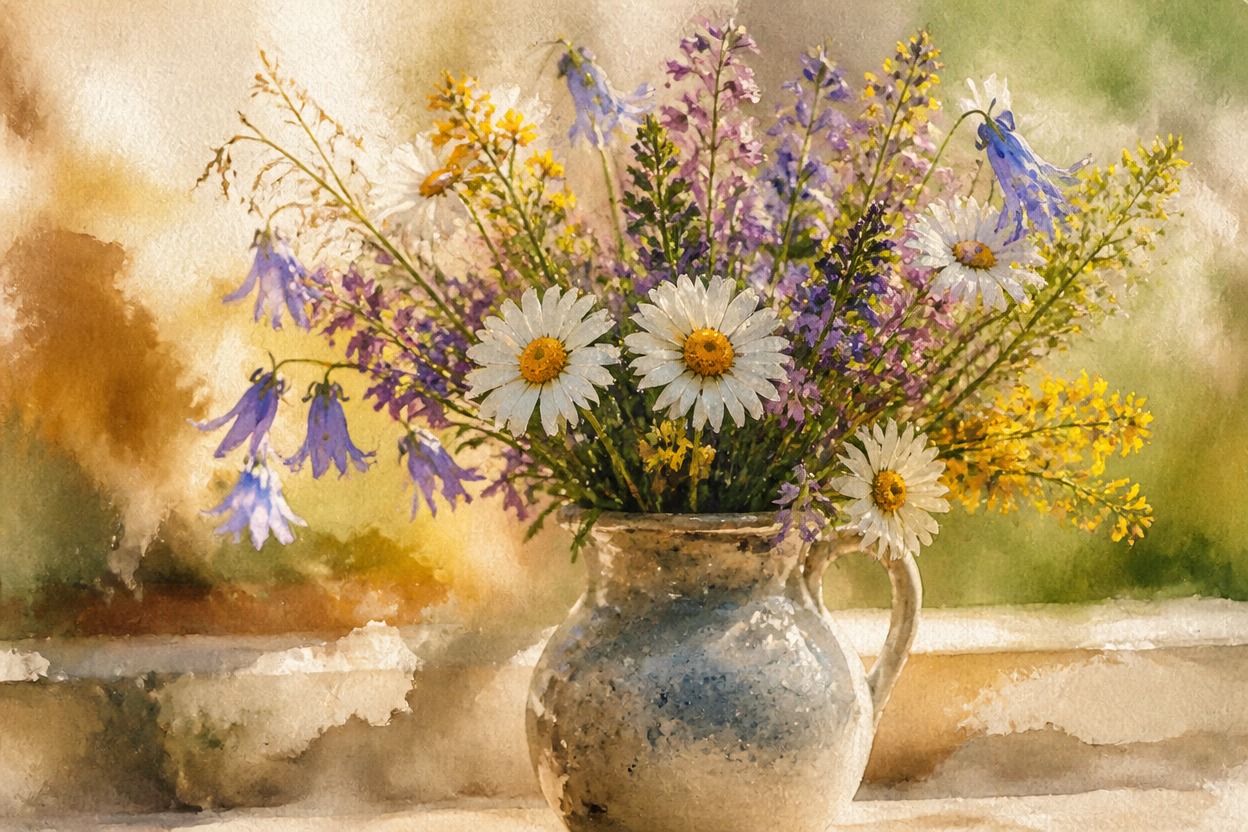
Transparent Washes and Paper Texture
Rebuild photographic surfaces with layered pigment, soft blooms, subtle granulation, and the tactile character of watercolor paper.
Cohesive Full-Scene Transfer
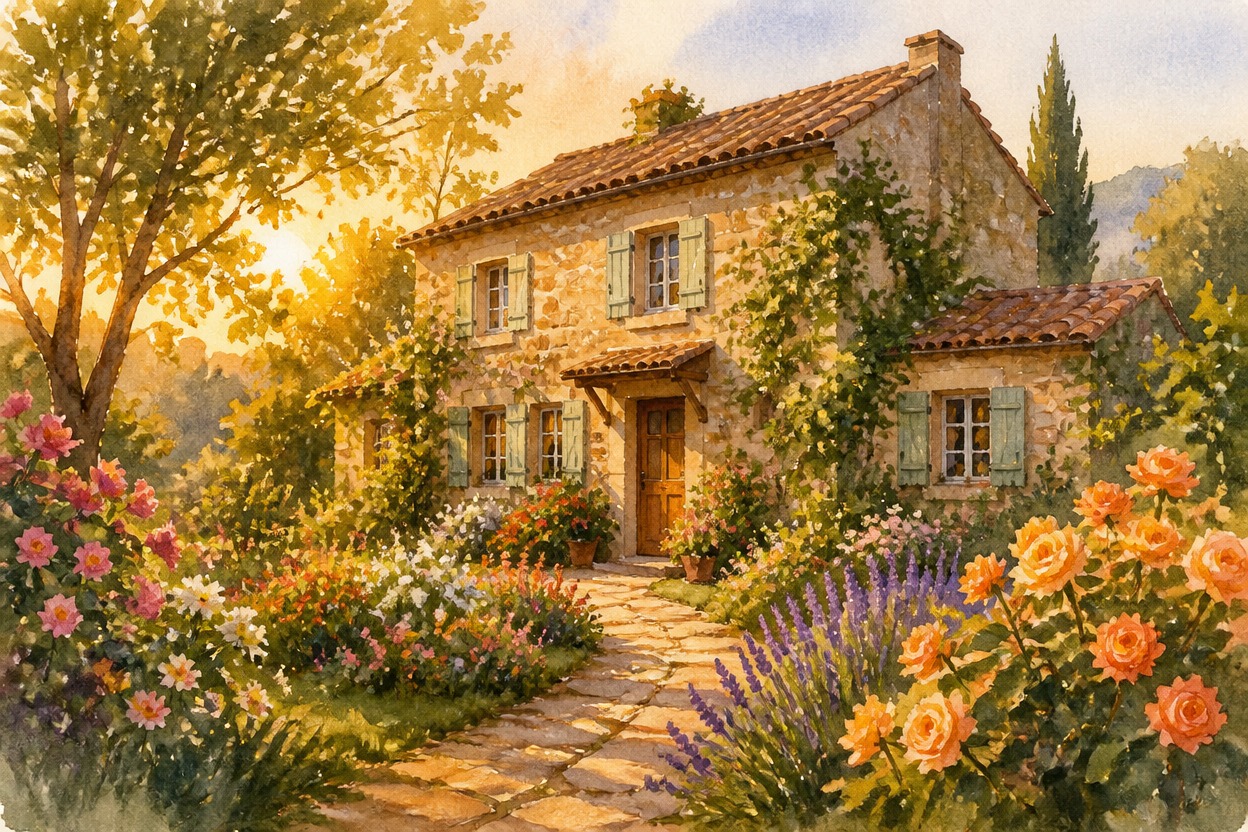
GPT-Image-2 interprets subject, background, light, and color together so the entire result reads as one finished watercolor scene.
One Uploaded Image
Start with a single photo. The effect follows its main visual cues while creating a fresh painterly interpretation rather than adding a simple overlay.
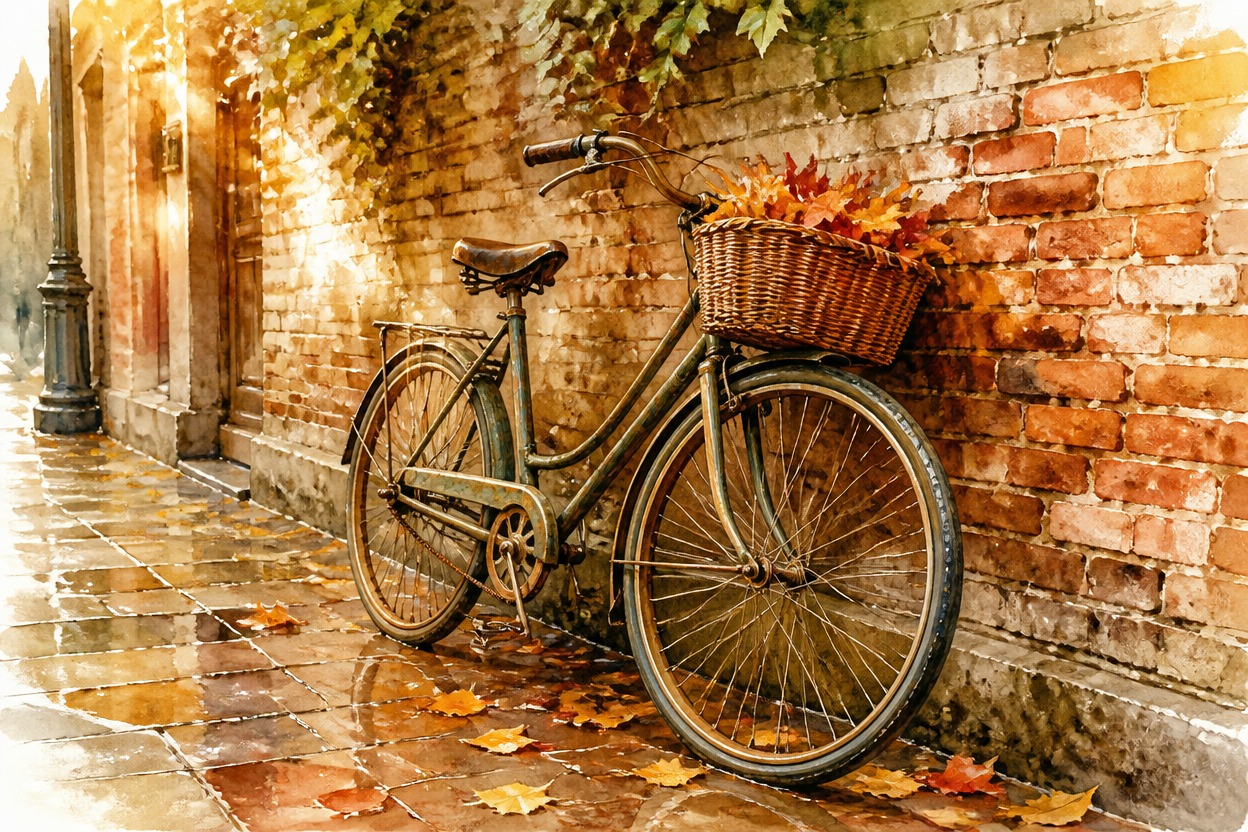
Painterly results for portraits, landscapes, pets, travel photos, still life, and profiles
Ways to Use a Watercolor Filter
Watercolor Portraits
Transform a clear adult portrait into soft painterly artwork with expressive color, gentle edges, and recognizable facial cues where possible.
Landscape Paintings
Reinterpret mountains, gardens, coastlines, and city views with atmospheric washes, depth, and flowing color.
Pet Artwork
Give a well-lit pet photo a hand-painted feel while retaining visible markings, fur color, and expression where possible.
Travel Memories
Turn a favorite travel photo into a cohesive watercolor-style keepsake with a softer, more illustrative mood.
Still-Life Studies
Emphasize shape, shadow, material, and palette in flowers, food, objects, or tabletop arrangements.
Creative Profile Images
Create a distinctive watercolor variation of a suitable portrait for an avatar or personal profile image.
How to Use the Watercolor Filter
Upload one image, apply the effect, and review your finished artwork
01
Upload One Clear Image
Choose a sharp photo with a distinct subject, balanced lighting, and enough visible detail for the transformation to interpret.
02
Apply the Watercolor Effect
Start the one-image transformation. AI Hug uses GPT-Image-2 to reinterpret the scene with watercolor washes, paper texture, softened edges, and cohesive color.
03
Preview and Download
Review faces, hands, important objects, edges, and composition, then download the result you want to keep.
Answers about one-photo input, GPT-Image-2, source quality, style transfer, results, and access