Wavy Hair Filter
Upload a photo to apply this effect while keeping the subject recognizable for a natural, polished result.
Image
Examples
Wavy Hair Filter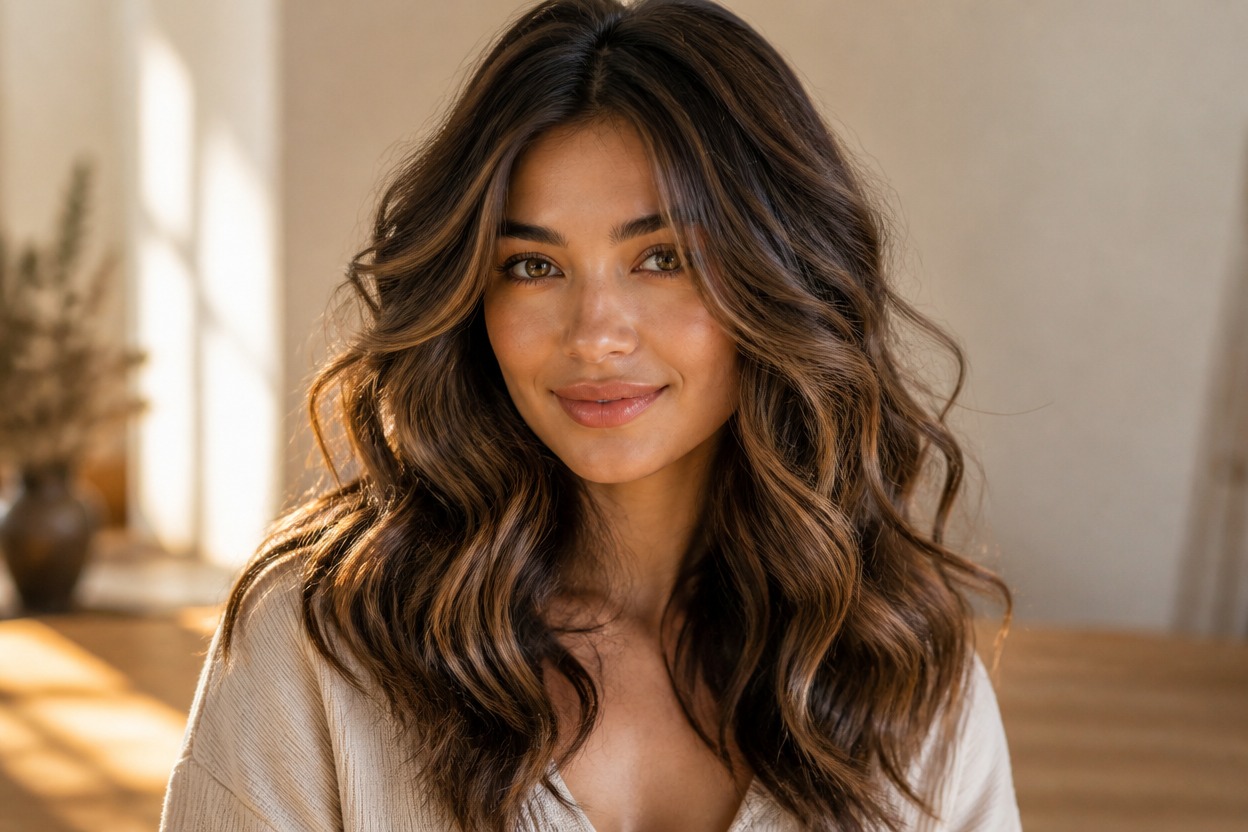
Wavy Hair Filter from Photo
Upload one clear portrait and turn the visible hairstyle into soft, dimensional waves in one coherent image. Powered by GPT-Image-2, AI Hug rebuilds the hairline, texture, volume, strands, and shadows while aiming to keep the face, pose, lighting, clothing, and setting recognizable.
Try the Wavy Hair FilterRealistic Waves in One Finished Portrait
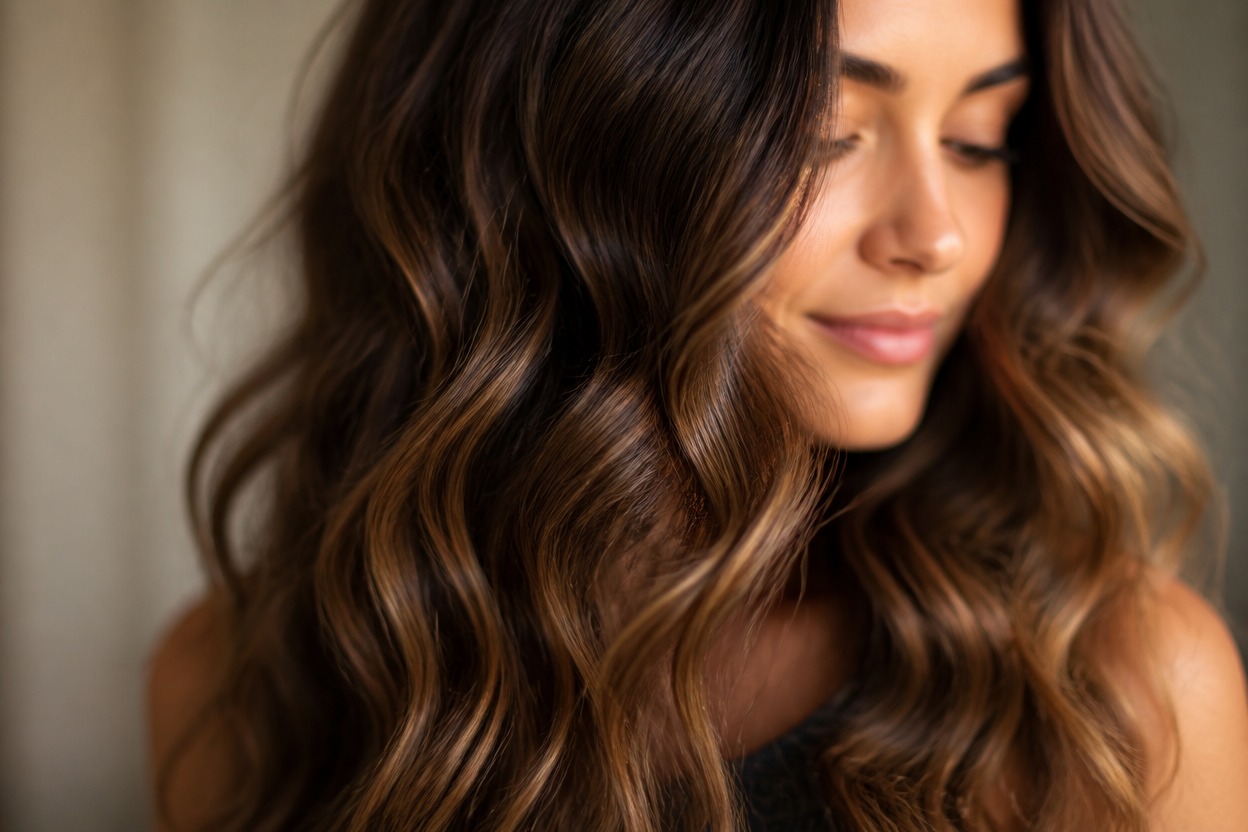
Waves with Natural Dimension
GPT-Image-2 shapes visible hair into varied S-waves with believable roots, highlights, shadows, fine strands, and flyaways instead of a flat repeated texture.
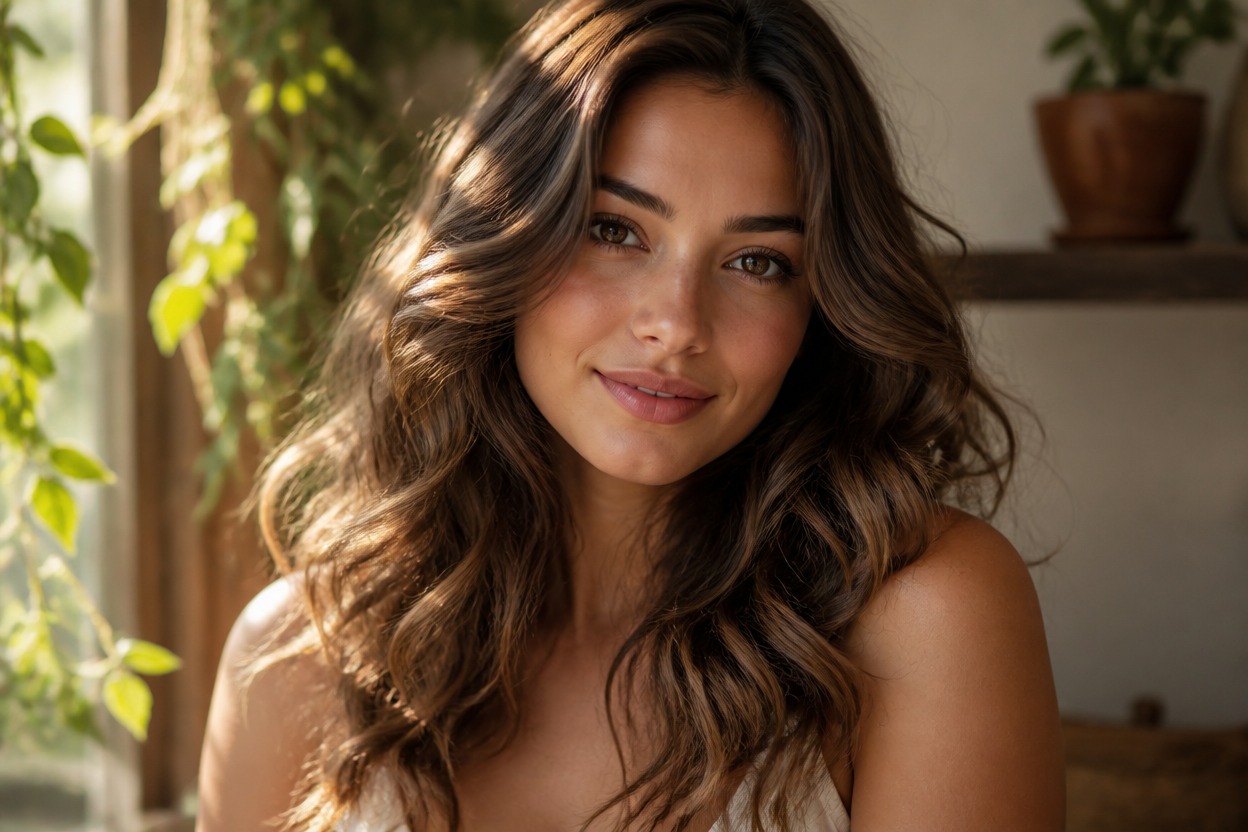
A Coherent One-Photo Result
One uploaded image produces one finished portrait. The effect follows visible cues from the face, original composition, light direction, clothing, and background.
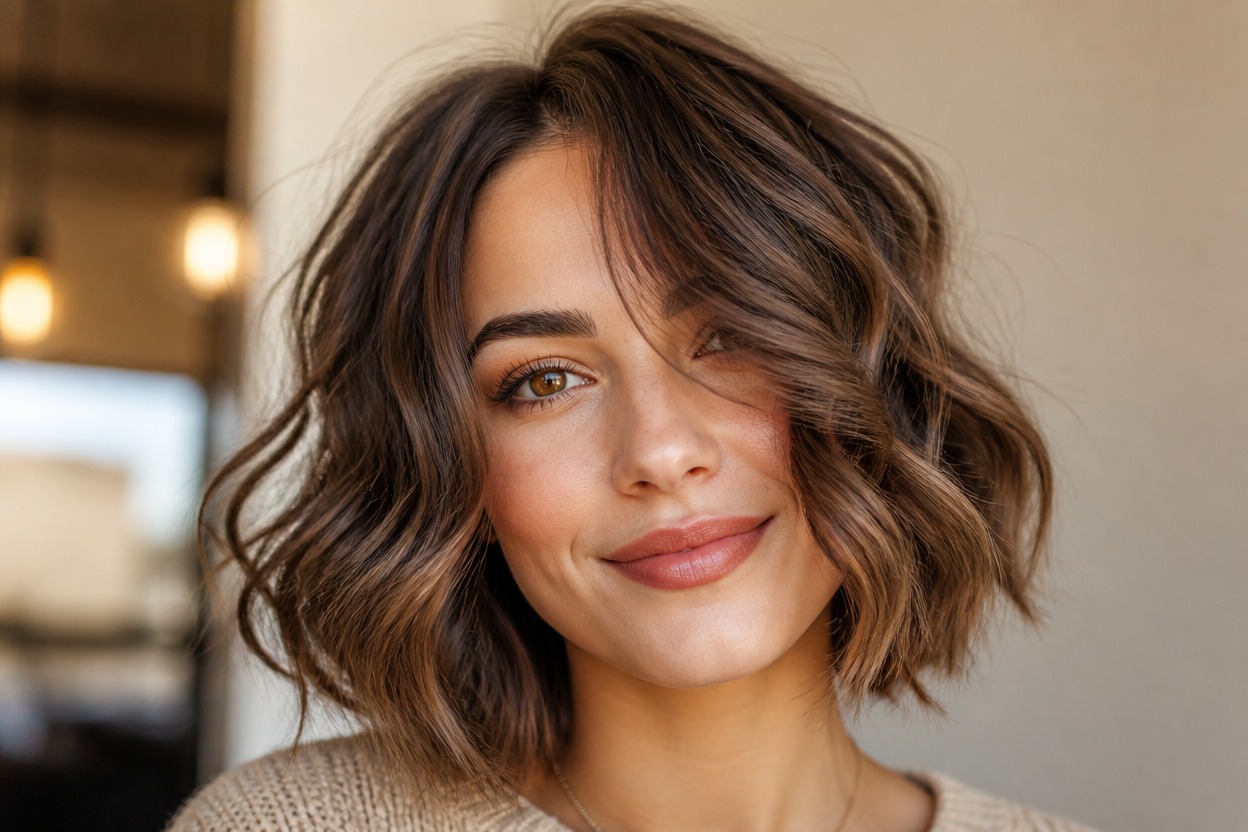
Texture for Different Lengths
Explore loose movement on bobs, shoulder-length cuts, or longer hair, with wave scale and volume adapted to what is visible in the source portrait.
Explore loose waves, long-hair texture, shorter styles, consultation references, event looks, and portrait refreshes
Wavy Hairstyle Ideas for Real Portraits
Loose-Wave Previews
Try relaxed, flowing waves that add movement without turning the hairstyle into tight curls.
Long-Hair Texture Ideas
Use an adult long-hair portrait to visualize dimensional waves across visible layers, lengths, and ends.
Short and Medium Styles
Explore wavy texture on bobs, lobs, and shoulder-length hair while keeping the existing portrait composition coherent.
Stylist Consultation References
Create a personal visual reference for discussing wave size, volume, parting, layers, and face framing with a stylist.
Event Look Planning
Preview a polished wavy direction for a celebration, portrait session, costume, or other planned look.
Portrait and Profile Refreshes
Reimagine an authorized adult portrait with wavy hair for a creative profile image or personal style concept.
How to Use the Wavy Hair Filter
Upload one portrait, apply the effect, and review your finished wavy-hair preview
01
Upload One Clear Portrait
Choose a sharp, well-lit photo of one adult where the face, hairline, part, and most of the hairstyle are visible.
02
Apply the Wavy Hair Effect
Start the one-image transformation. AI Hug uses GPT-Image-2 to reinterpret the visible hair with integrated waves, volume, strands, highlights, and shadows.
03
Review and Download
Check the wave pattern, hairline, facial likeness, skin texture, overlap around the ears and shoulders, lighting, and background, then download the result you prefer.
Answers about one-photo input, GPT-Image-2, portrait quality, long hair, wave styles, and realistic expectations