AI Text to Image Generator
Turn written prompts into images with AI Hug. The strongest text to image AI workflow uses a clear subject, style, composition, lighting, and use case so each generation can be judged and refined.
- text to image ai
- ai image generator
- ai art generator
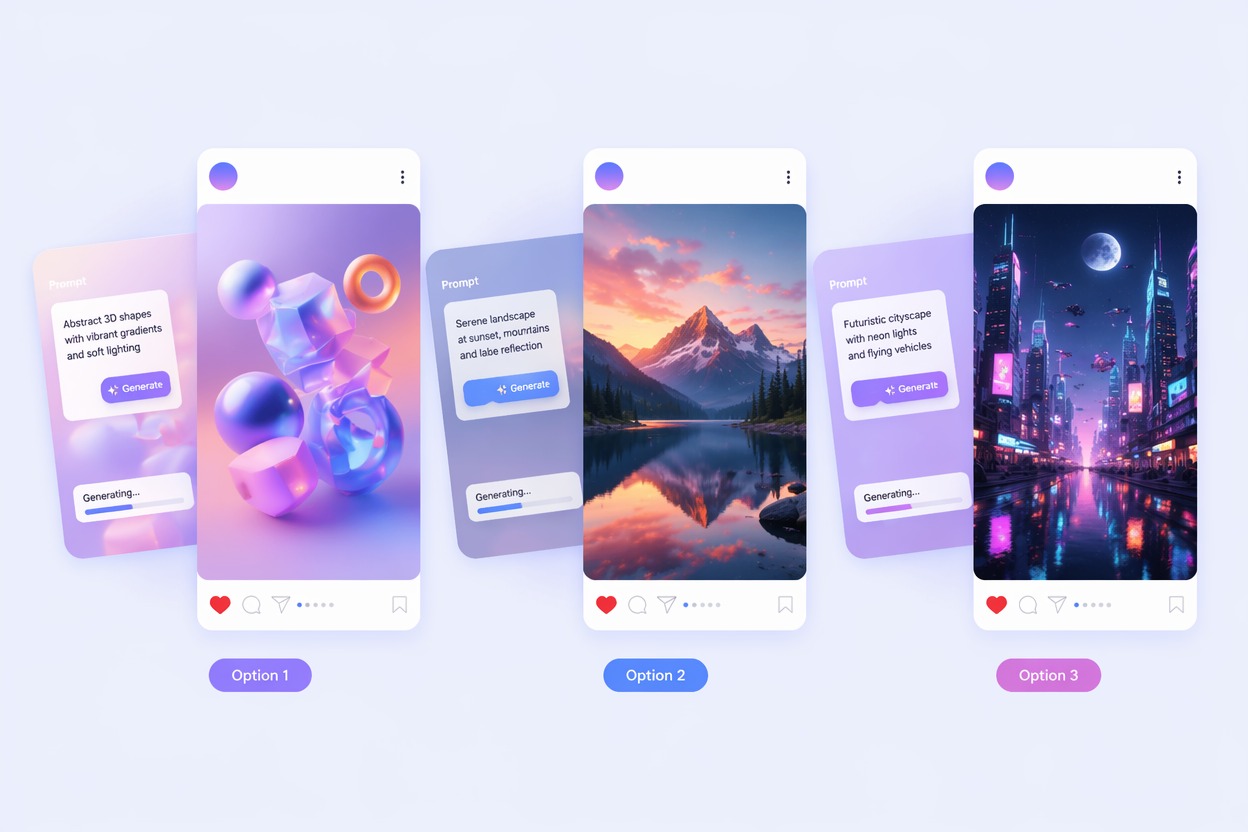
How to Get Better AI Image Generator Results
A reliable AI picture generator is less about magic wording and more about structured briefs, variation review, and knowing what the image must accomplish.
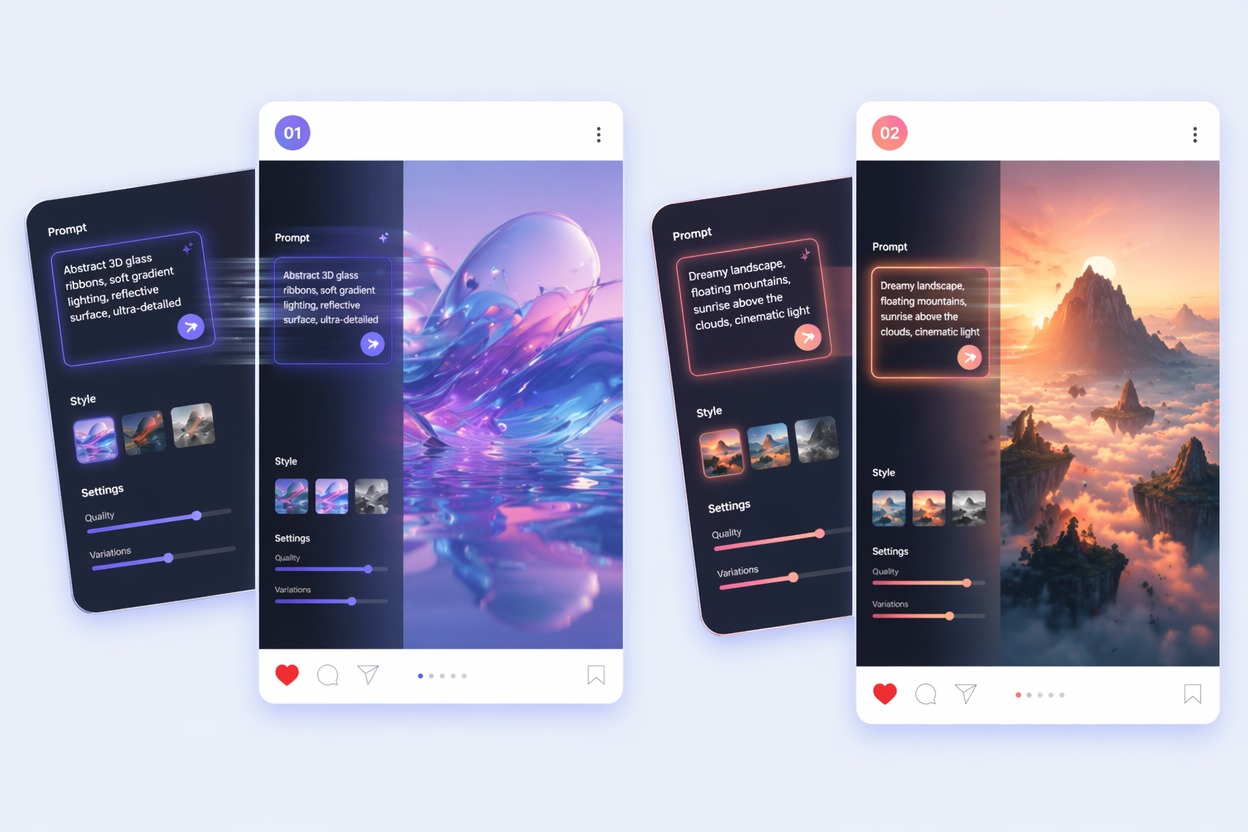
Structured Prompts
Prompt to image AI works best when you describe subject, setting, style, camera, lighting, and constraints in a repeatable format. That makes revisions practical.
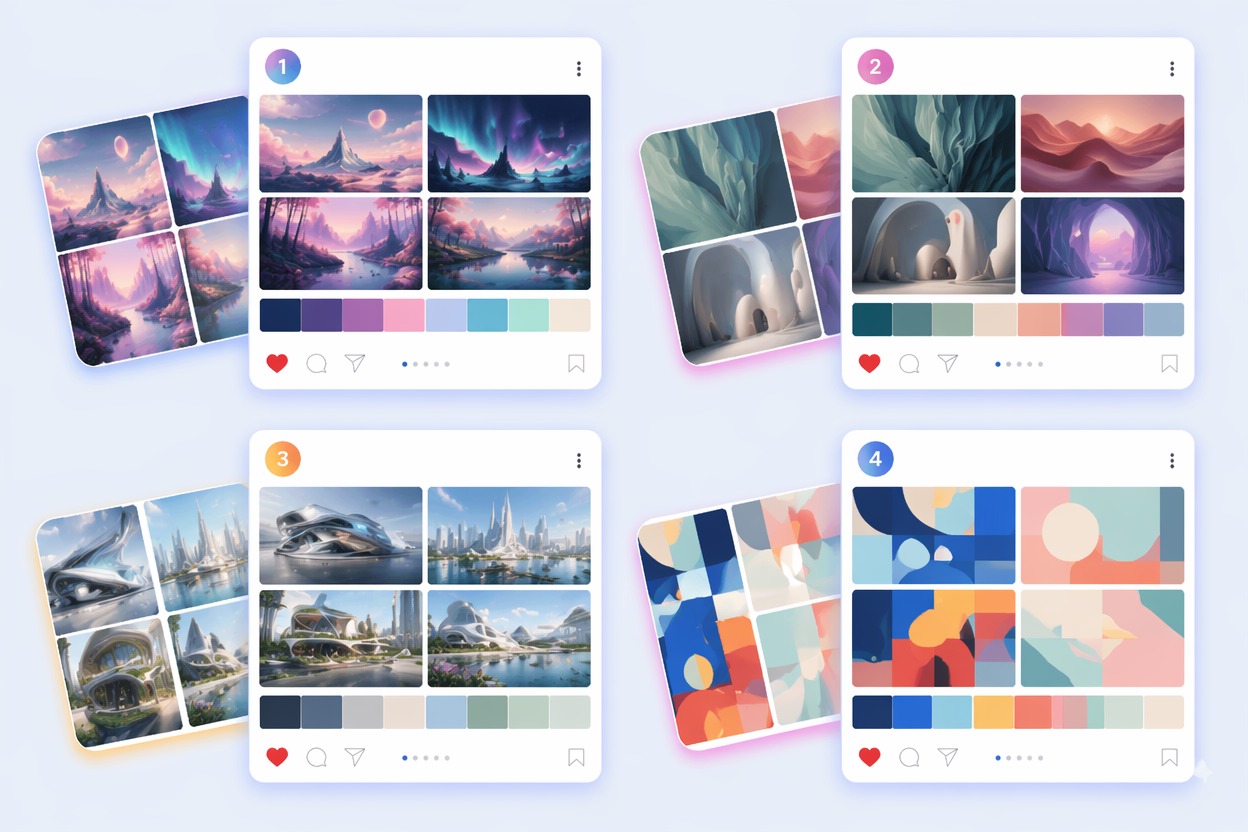
Art Direction Review
An AI art generator should be judged against the job: thumbnail, hero image, product concept, avatar, or illustration. Different tasks need different quality checks.
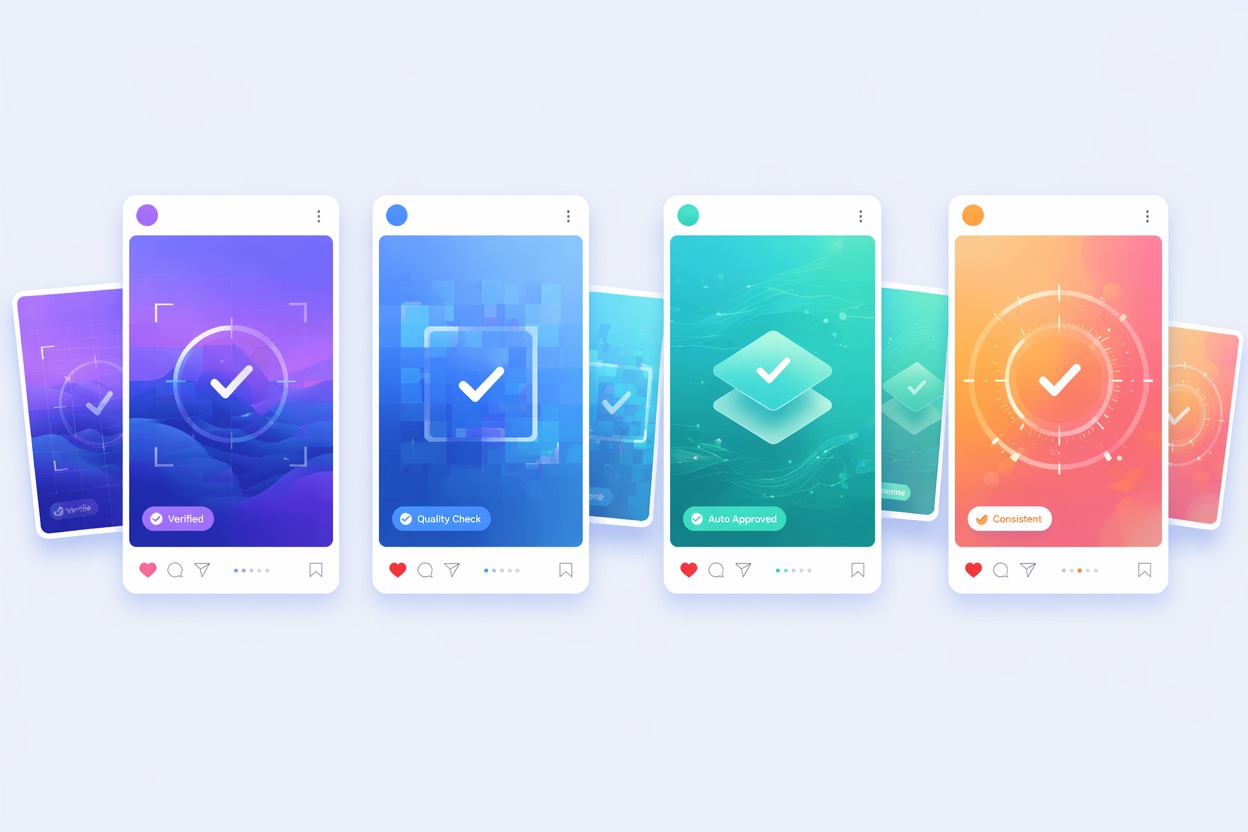
Rights and Quality Checks
Before using an AI image generator output, check text artifacts, logos, faces, protected character cues, and whether the prompt relies on references you cannot publish.
Use cases that fit the workflow
Best Uses for AI Text to Image Generator
- 01
Blog and Landing Page Art
Generate hero images, section visuals, and concept illustrations.
- 02
Social Media Creatives
Create fast image directions for posts, ads, and thumbnails.
- 03
Avatar and Character Ideas
Explore original character styles and portrait directions.
- 04
Product Concepts
Visualize product mood, materials, and scenes before design work.
- 05
Presentation Visuals
Make quick illustrations and metaphors for decks and reports.
How to Generate Images from Text
Three practical steps for cleaner results
- 1
Write the prompt brief
Define subject, style, environment, composition, lighting, and output purpose.
- 2
Generate a few options
Compare variations instead of trusting the first image.
- 3
Refine and export
Fix one issue at a time: framing, color, subject, realism, or unwanted artifacts.
FAQ
AI Text to Image Generator FAQ
Common questions about text to image ai, ai image generator, ai art generator.
What is text to image AI?
Text to image AI creates pictures from written prompts. It is useful for art, concepts, marketing visuals, thumbnails, and creative exploration.
How do I use an AI image generator well?
Start with a structured prompt and a clear goal. Judge the result against that goal instead of only asking whether it looks impressive.
What is the difference between AI art generator and AI picture generator?
AI art generator usually emphasizes style and creativity, while AI picture generator is broader and can include practical images, concepts, and marketing visuals.
Is prompt to image AI free?
Free access depends on the current AI Hug plan and usage limits. Use free tests to compare prompt directions before creating final assets.
Can I use generated images commercially?
Commercial use depends on product terms, prompt content, references, and whether the output includes protected brands, characters, or real likenesses.
What should I check before publishing?
Check faces, hands, text, logos, artifacts, rights, and whether the image actually supports the page or campaign goal.