AI Wedding Photo Generator
Upload a photo to apply this effect while keeping the subject recognizable for a natural, polished result.
Image
Examples
Wedding Photo Generator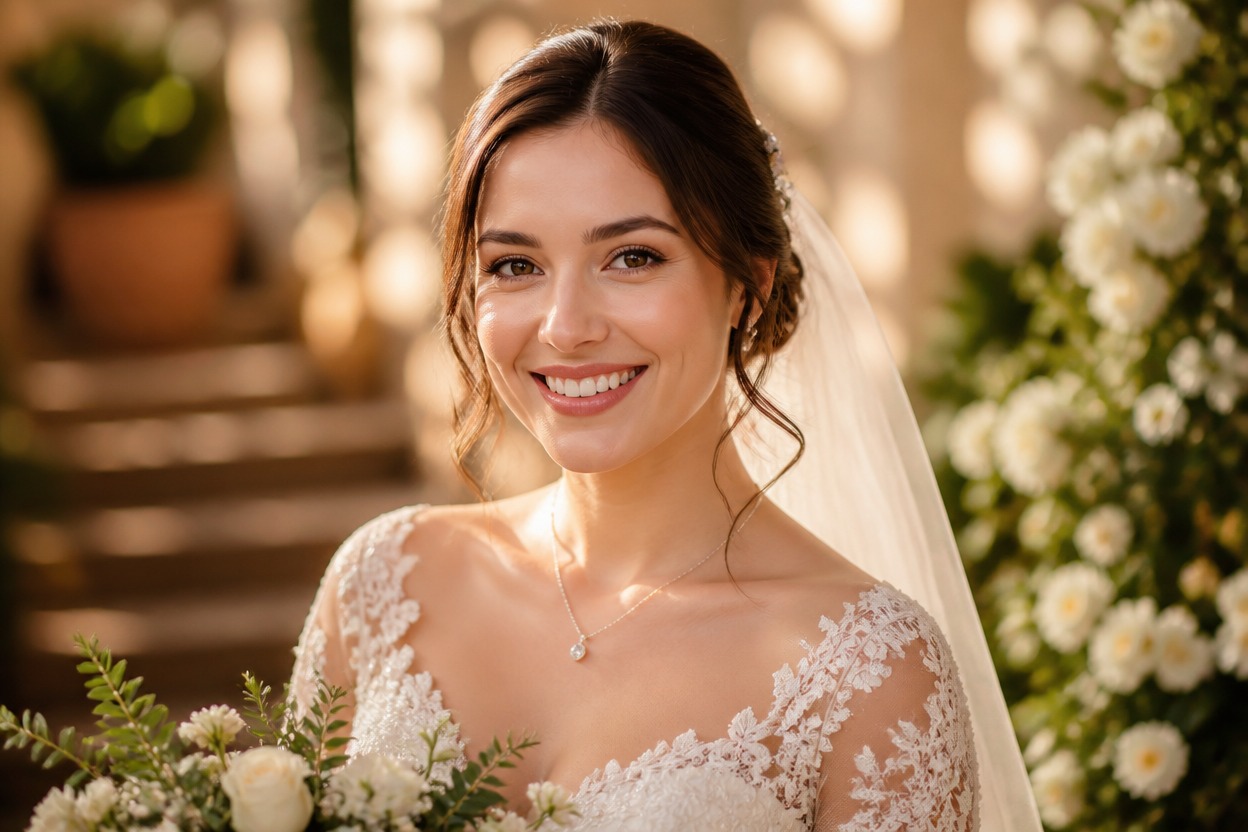
AI Wedding Photo Generator from Photo
Upload one clear image and transform it into a polished wedding portrait with AI Hug. GPT-Image-2 reimagines the subject, formal attire, lighting, floral details, and setting as one coherent scene.
Create a Wedding PhotoTurn One Photo into a Wedding Portrait
Elegant Wedding Styling
Transform visible clothing and scene details into coordinated wedding attire, refined florals, warm lighting, and an editorial celebration atmosphere.
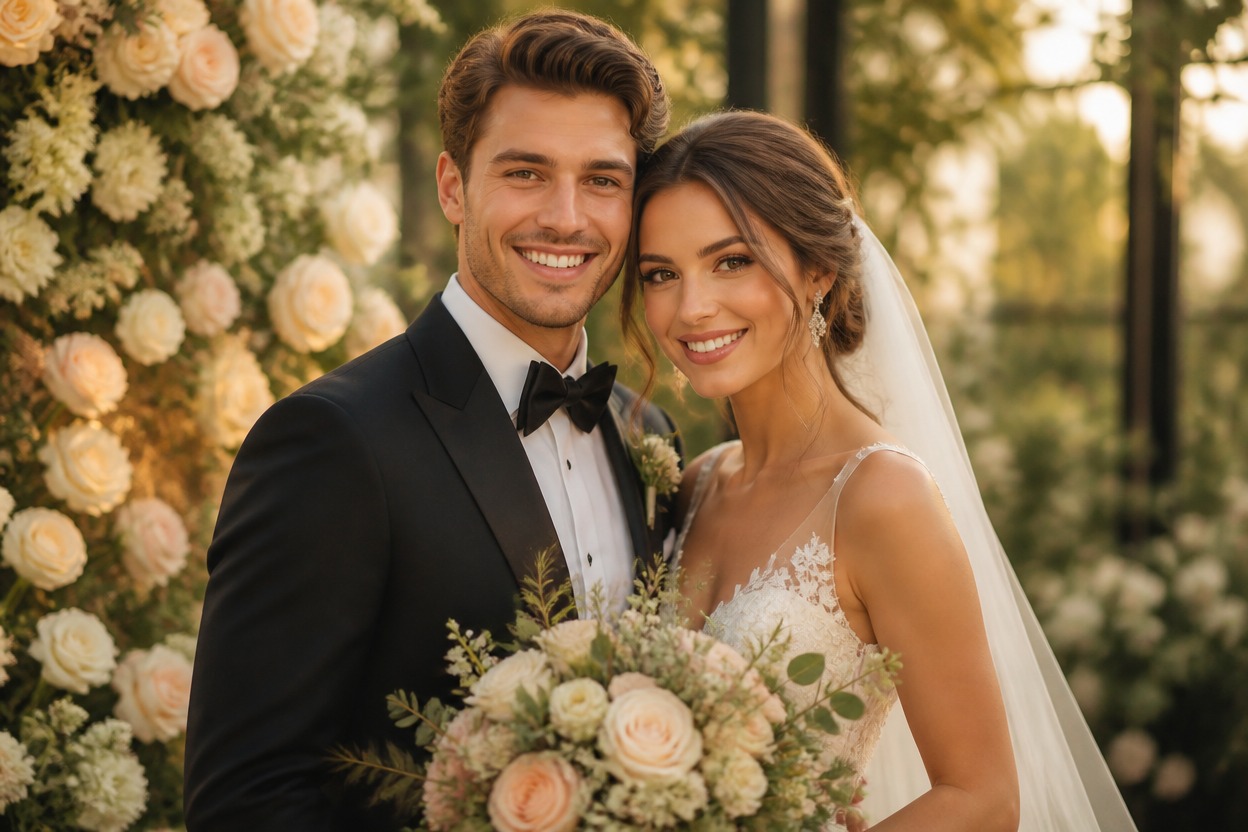
One-Image Transformation
Start with one uploaded portrait or couple photo. GPT-Image-2 generates the complete wedding treatment without requiring separate wardrobe, venue, or decoration images.
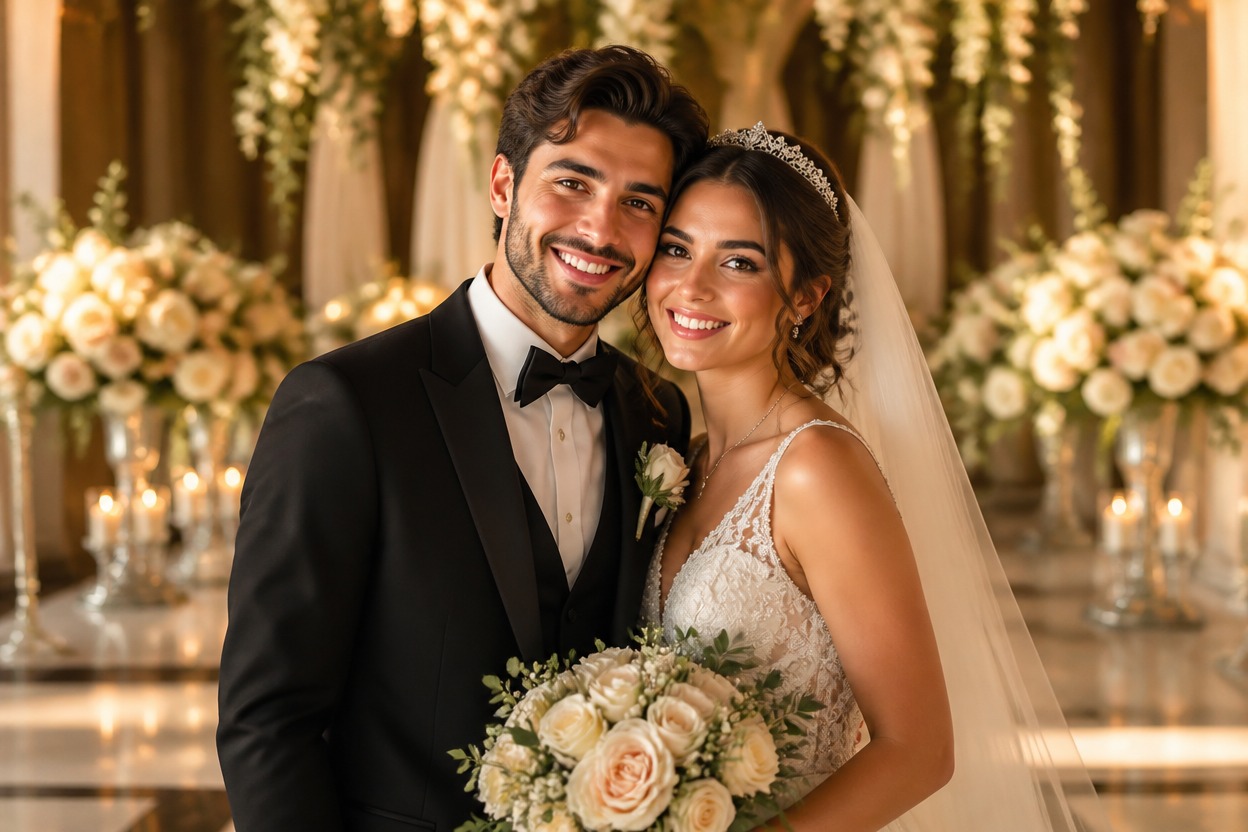
Recognizable, Coherent Results
The effect aims to follow the source subjects and composition while rebuilding attire, background, and mood. Generated details can vary, so review faces and hands before saving.
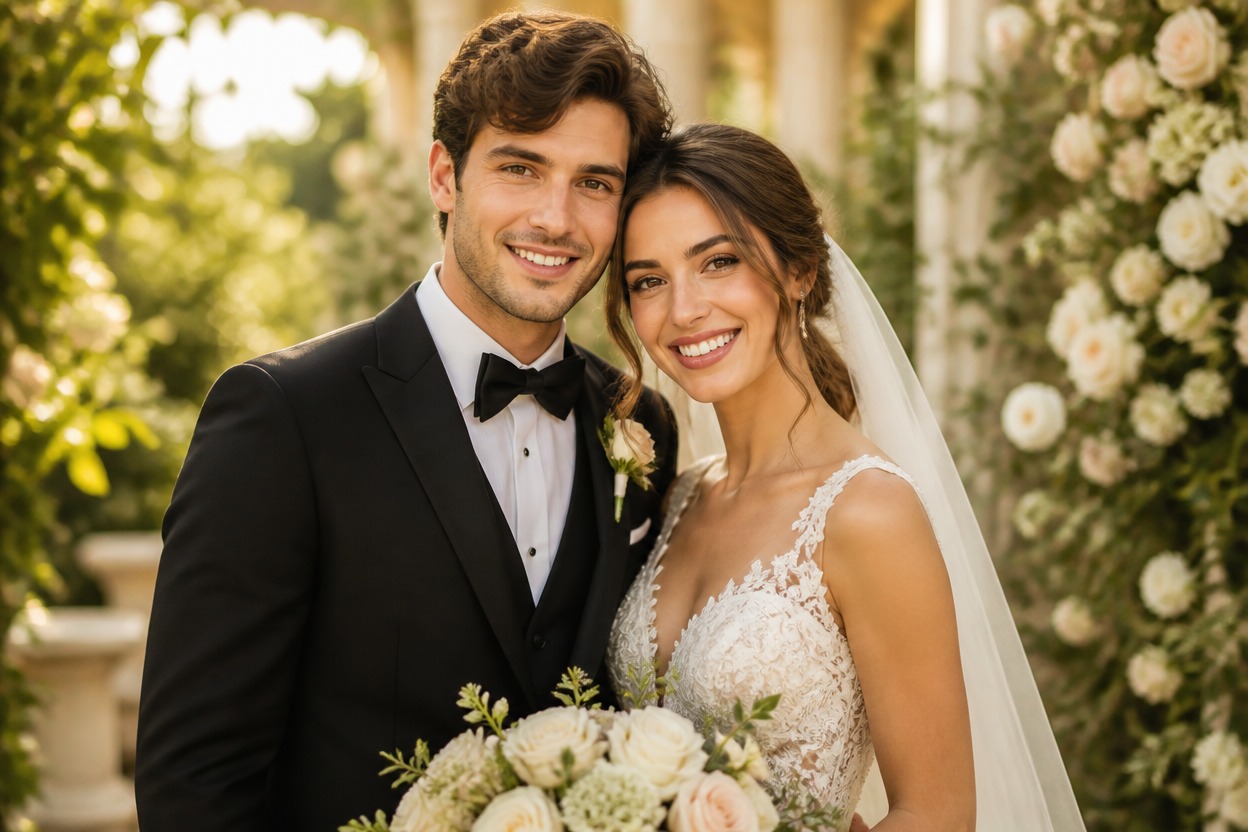
Wedding-inspired portraits for planning, keepsakes, announcements, and creative ideas
Ways to Use Your AI Wedding Photo
Engagement Announcements
Create a romantic wedding-inspired portrait to explore the visual direction of a personal engagement announcement.
Wedding Style Previews
Visualize formal attire, florals, lighting, and setting ideas before planning a real photo session or celebration.
Couple Portrait Keepsakes
Transform a favorite adult couple photo into an elegant celebration portrait for a personal digital keepsake.
Anniversary Images
Reimagine a meaningful photo with a wedding aesthetic for an anniversary card, memory album, or private tribute.
Invitation Concepts
Develop an original portrait direction for a wedding invitation concept before adding typography in a separate design tool.
Romantic Storytelling
Create a refined wedding scene for an original story, mood board, character concept, or personal creative project.
How to Use the AI Wedding Photo Generator
Upload one image, apply the effect, and review the finished wedding portrait
01
Upload One Clear Image
Choose a sharp, well-lit photo of one or two adults with visible faces, natural poses, and minimal obstruction around hands and clothing.
02
Apply the Wedding Effect
Start the one-image transformation. AI Hug uses GPT-Image-2 to rebuild the photo with formal attire, romantic lighting, florals, and a coherent wedding setting.
03
Preview and Download
Inspect facial resemblance, fingers, limbs, clothing edges, accessories, and background continuity, then download the result that best fits your idea.
Answers about source photos, GPT-Image-2, result quality, usage, and access