Blonde Hair Filter
Upload a photo to apply this effect while keeping the subject recognizable for a natural, polished result.
Image
Examples
Blonde Hair Filter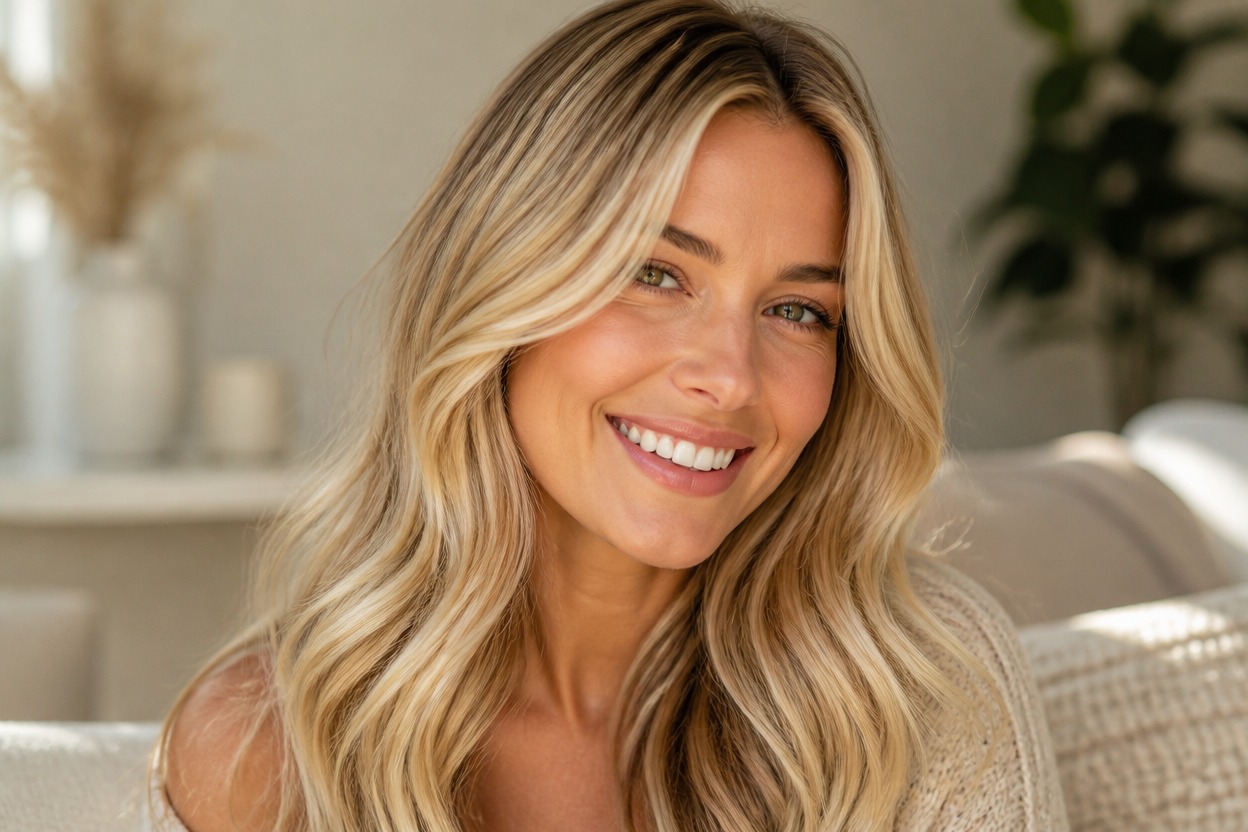
Blonde Hair Filter from Photo
Upload one clear portrait and use AI Hug’s GPT-Image-2-powered Blonde Hair Filter to preview natural-looking blonde color with blended roots, highlights, lowlights, and strand detail while keeping your overall look recognizable.
Try Blonde HairA Natural-Looking AI Blonde Hair Filter
Dimensional Blonde, Not Flat Color
Deeper roots, bright face-framing strands, and softer shadow through lower layers create a more believable blonde result.
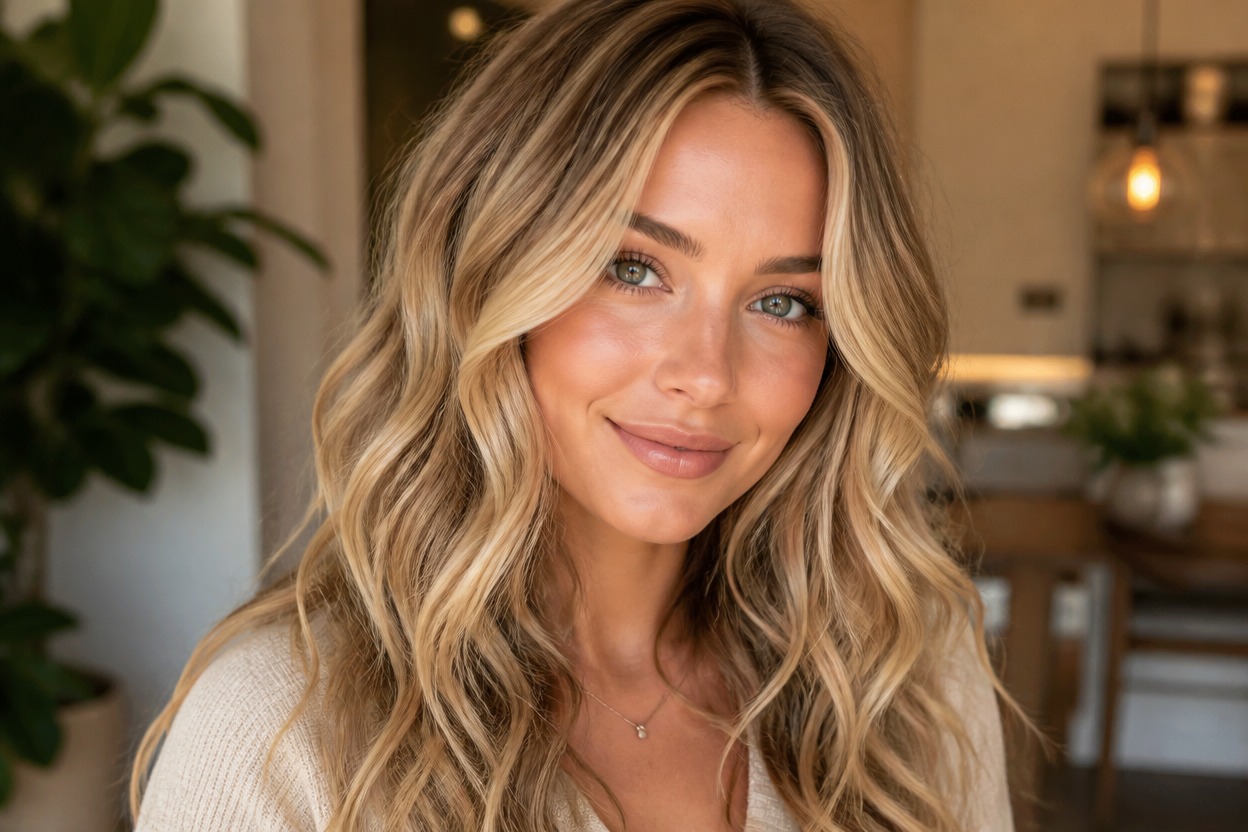
Hairline and Strand Detail
Fine strands, flyaways, part-line detail, and natural shine help the new shade integrate with the visible hairstyle.
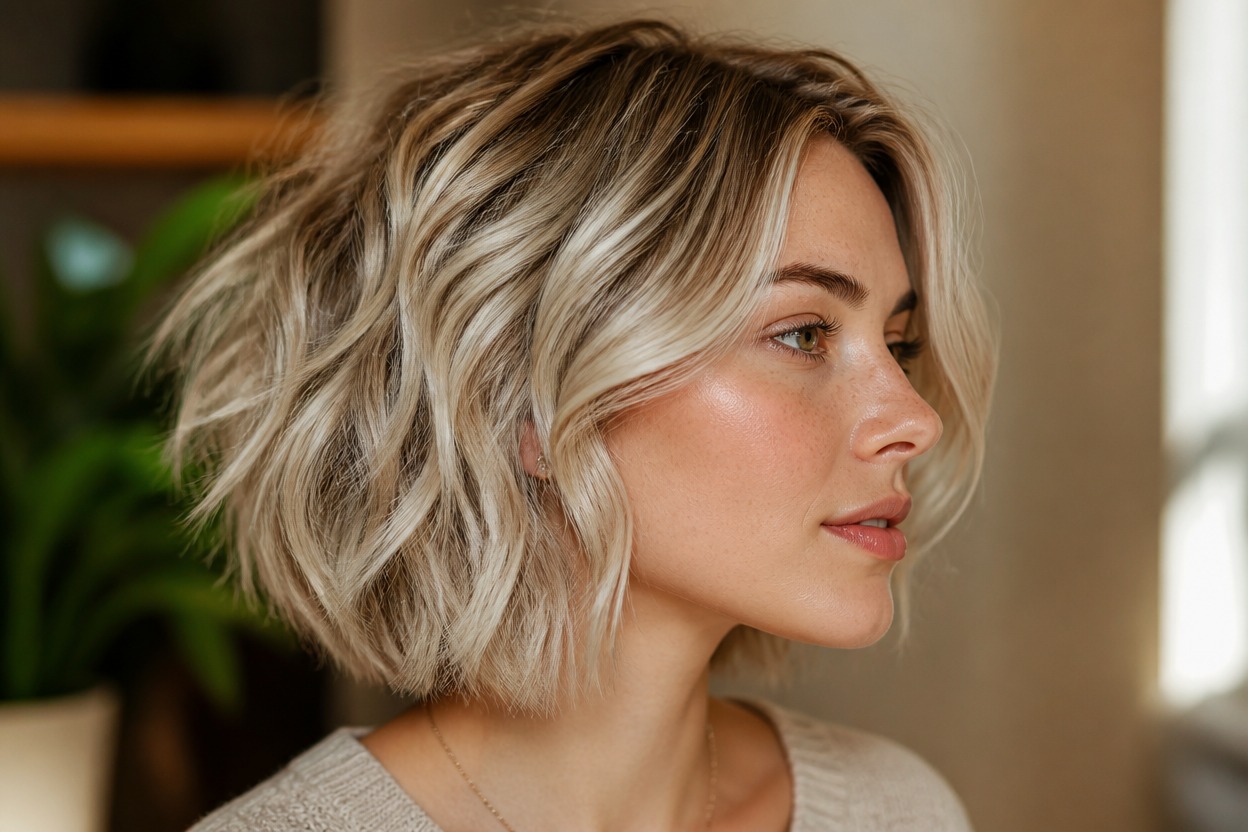
Portrait-Aware Transformation
The effect focuses on hair color while aiming to preserve facial features, pose, clothing, lighting, and the surrounding setting.
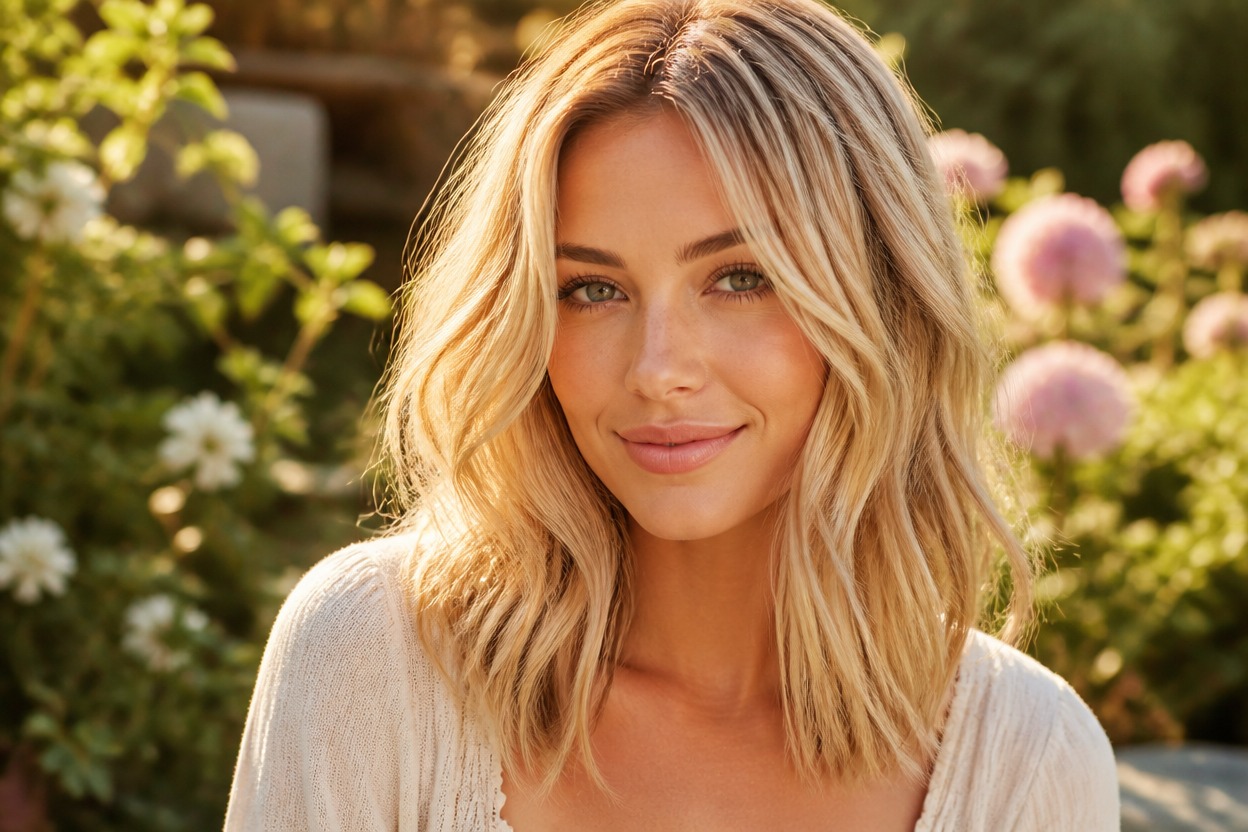
Explore a new color direction before making a real-world change.
Ways to Use Your Blonde Hair Preview
Explore Warm Blonde Tones
Picture honey, golden, or buttery blonde direction with natural tonal variation.
Consider Cooler Blonde Looks
Use the preview as inspiration for ash, beige, or champagne blonde styling.
Plan a Salon Conversation
Bring a visual reference when discussing tone, root depth, highlights, and maintenance with a stylist.
Preview Blonde on Long Hair
See how lighter color may read across longer lengths while retaining visible layers, volume, and shadow.
Refresh a Portrait Concept
Create a recognizable blonde variation for a personal profile, fashion idea, or creative portrait.
Build a Beauty Mood Board
Add a tailored hair-color reference to your private makeover or styling inspiration.
How to Use the Blonde Hair Filter
One uploaded image, three straightforward steps.
01
Upload One Clear Portrait
Choose a sharp, well-lit image where the face, hairline, part, and hairstyle are easy to see.
02
Apply the Blonde Hair Effect
Let GPT-Image-2 transform the visible hair with blended blonde tones, roots, highlights, shadows, and strand detail.
03
Review and Download
Check the hairline, face, hairstyle, lighting, and background, then download the result you prefer.
Helpful details before you transform your portrait.