AI Smile Filter
Upload a photo to apply this effect while keeping the subject recognizable for a natural, polished result.
Image
Examples
Smile Filter
AI Smile Filter from Photo
Upload one clear portrait and turn the expression into a warm, natural-looking smile. Powered by GPT-Image-2, AI Hug rebuilds the lips, teeth, cheeks, eyes, and nearby lighting as one coherent image.
Apply the AI Smile FilterCreate a Natural Smile from One Photo
Expression-Aware Smile Transformation
GPT-Image-2 can reinterpret the mouth, cheeks, eyes, and subtle smile lines together so the new expression reads as part of the portrait rather than a pasted overlay.
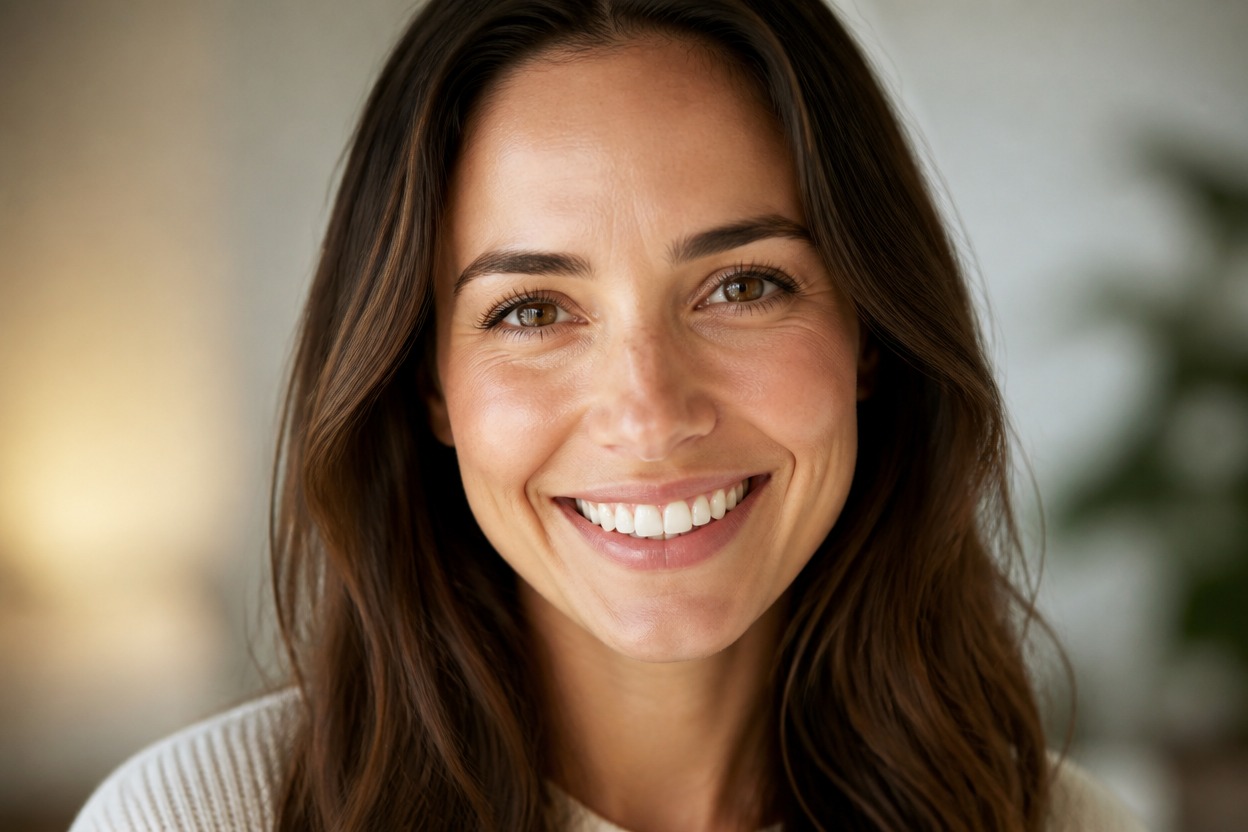
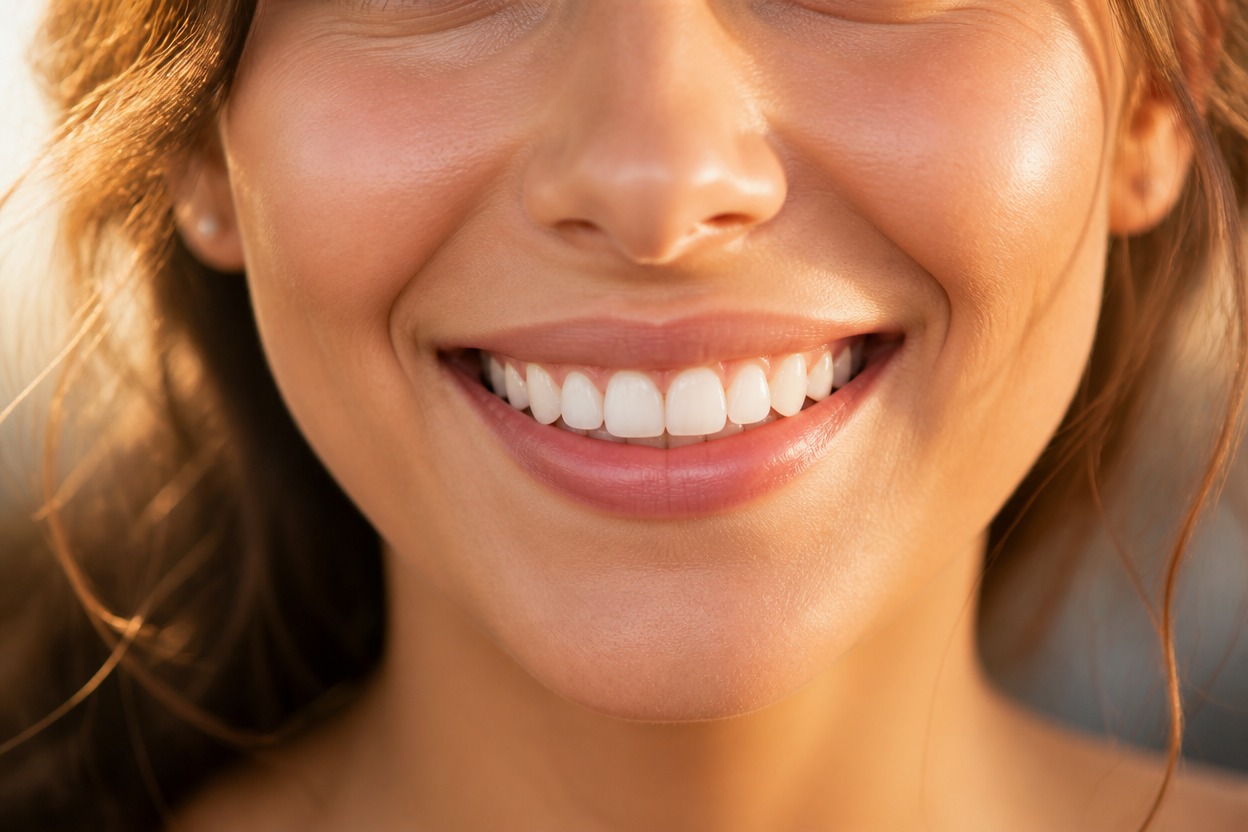
Natural Teeth and Facial Detail
The effect generates the visible teeth, lip contours, skin texture, and surrounding facial structure as a unified result that you can inspect before saving.
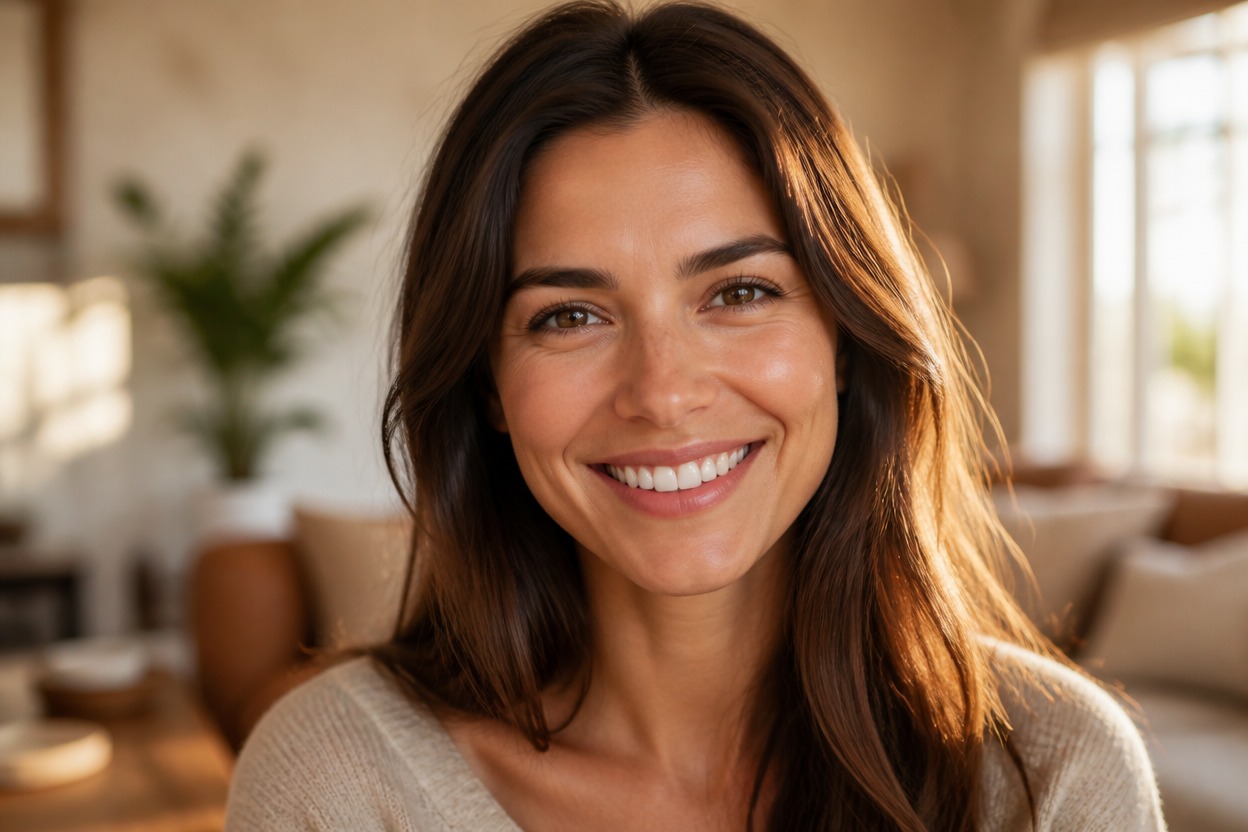
One Upload, One Finished Portrait
Start with one uploaded image and receive a single transformed scene without building a comparison layout or manually editing separate facial features.
Create welcoming expressions for personal photos, professional portraits, and character studies
Smile Variations for Profiles, Headshots, and Portraits
Profile Picture Refreshes
Create a friendlier expression for a personal avatar or profile portrait while reviewing likeness and facial detail.
Professional Headshot Variations
Explore a warmer expression for an authorized headshot without arranging a new photo session for every variation.
Family Photo Adjustments
Generate a smiling version of an adult portrait from a family photo when the original expression feels too neutral.
Social Portraits
Prepare an upbeat portrait variation for a personal post, introduction, or casual online profile.
Character Expression Studies
Give an original or authorized adult character portrait a warmer emotional direction for visual storytelling.
Photo Selection Alternatives
Try another expression when you like the framing and lighting of a portrait but want a more welcoming mood.
How to Use the AI Smile Filter from Photo
Upload one portrait, apply the effect, and review the finished smile transformation
01
Upload One Clear Portrait
Choose a sharp, well-lit image of one adult with the mouth, eyes, and most of the face visible.
02
Apply the Smile Effect
Start the one-image transformation. AI Hug uses GPT-Image-2 to generate a new smile and integrate it with the portrait’s expression, skin, and lighting.
03
Preview and Download
Review the teeth, lips, cheeks, eyes, facial likeness, hair edges, and background continuity, then download the result you prefer.
Answers about one-photo input, GPT-Image-2, portrait quality, generated smiles, and access