AI Hair Color Changer
Upload a photo to apply this effect while keeping the subject recognizable for a natural, polished result.
Image
Examples
Hair Color Changer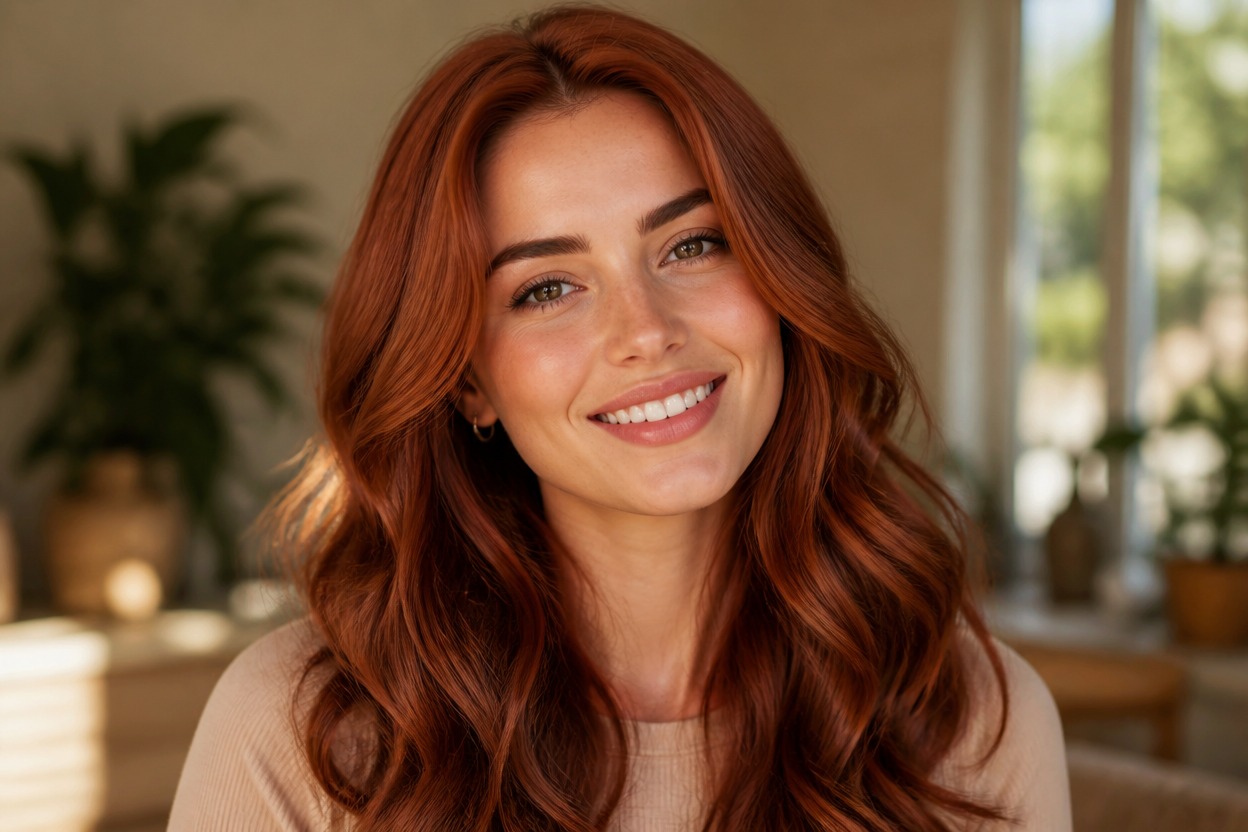
AI Hair Color Changer from Photo
Upload one clear portrait and transform the visible hair into a polished new shade in one coherent image. Powered by GPT-Image-2, AI Hug reinterprets roots, strands, highlights, and shadows while aiming to keep the face, hairstyle, pose, lighting, and setting recognizable.
Change Your Hair ColorRealistic Hair Color in One Portrait
Dimensional Color Across Every Strand
GPT-Image-2 rebuilds visible roots, part lines, highlights, lowlights, flyaways, curls, and waves so the new color follows the portrait's existing light and depth.
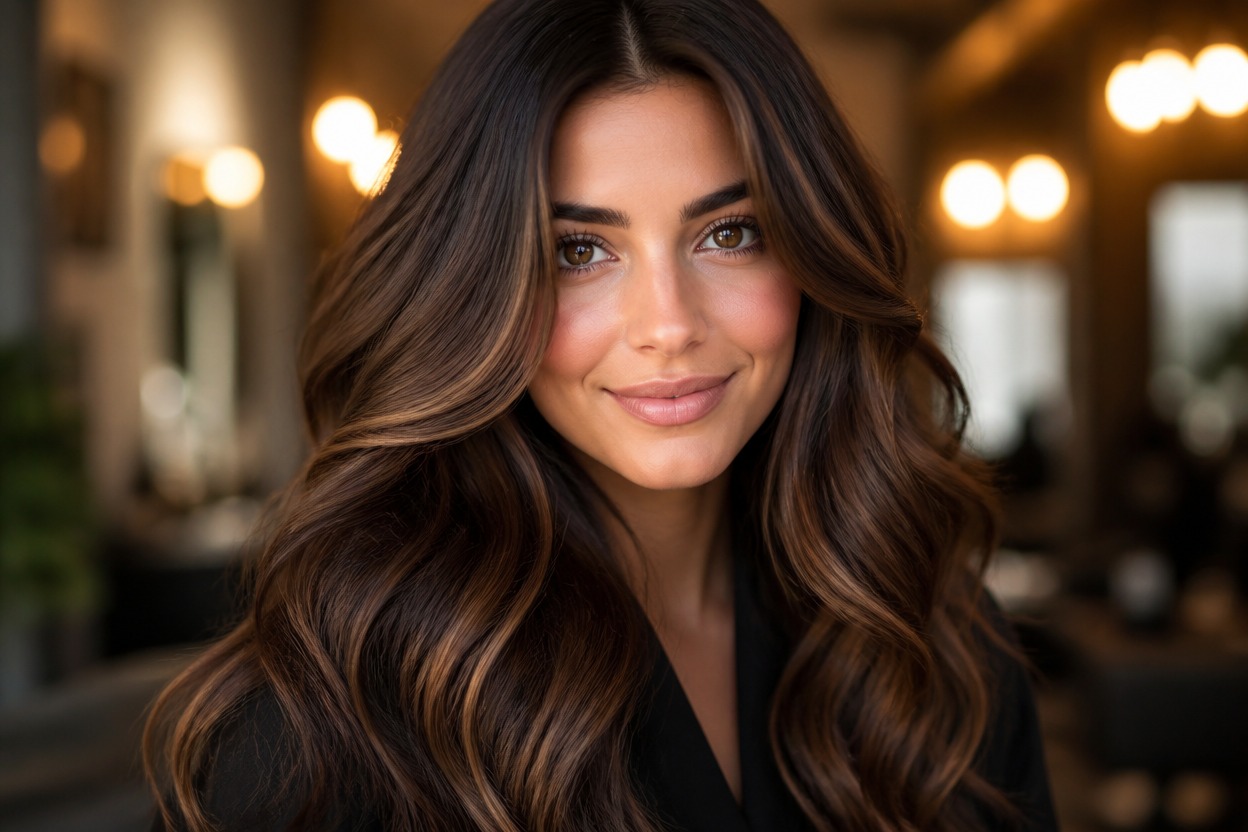
Natural or Expressive Color Directions
Visualize brunette, blonde, copper, auburn, silver, pastel, or vivid fashion-color directions without flattening the hair into a uniform painted layer.
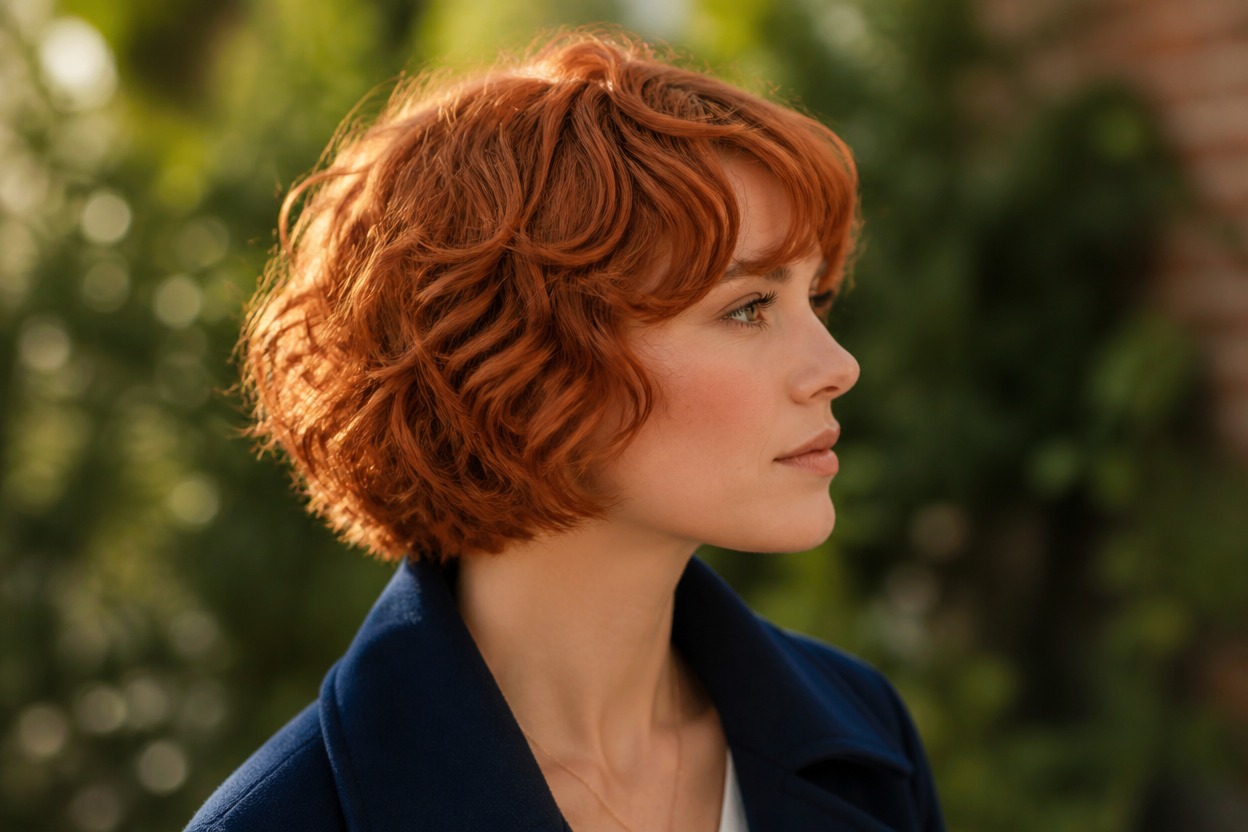
One Unified Portrait Transformation
One uploaded image produces one finished portrait. The effect focuses on color while following visible cues from the haircut, face, expression, clothing, background, and composition.
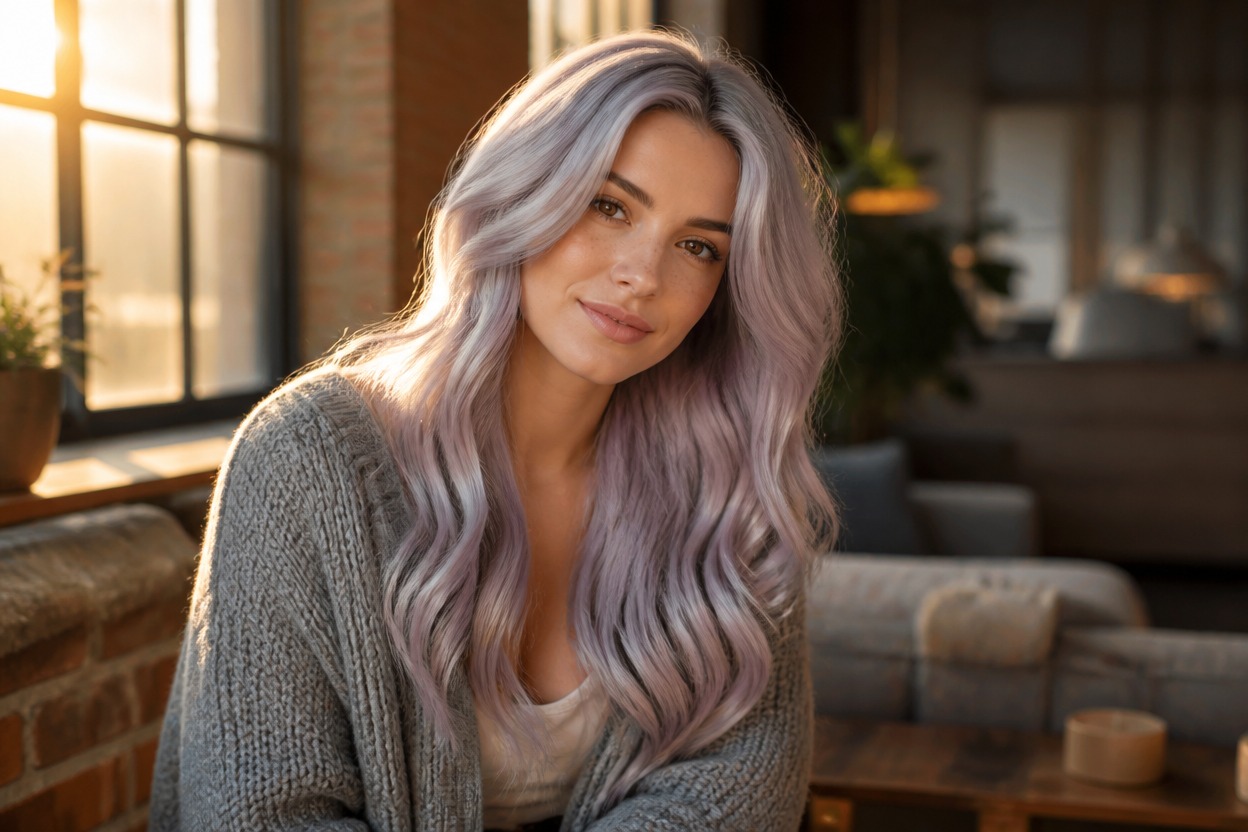
Explore natural shades, vivid colors, highlights, long-hair looks, salon references, and portrait refreshes
Hair Color Ideas for Personal Style
Natural Shade Previews
Visualize blonde, brunette, black, copper, auburn, or silver directions before deciding which tones suit your portrait.
Bold Fashion Colors
Explore rose, violet, blue, teal, or multitone color concepts with dimensional roots and strand detail.
Balayage and Highlight Ideas
Create a visual direction for face-framing highlights, gradient color, darker roots, or contrasting lowlights.
Long-Hair Color Concepts
Use a clear long-hair portrait to see color distributed across visible layers, waves, curls, and ends.
Salon Consultation References
Generate a personal visual reference for discussing undertone, brightness, root depth, and color placement with a stylist.
Portrait and Profile Refreshes
Reimagine an authorized adult portrait with a new hair color for a profile image or creative personal look.
How to Use the AI Hair Color Changer
Upload one portrait, apply the effect, and review your finished hair-color preview
01
Upload One Clear Portrait
Choose a sharp, well-lit photo of one adult where the face, hairline, part, and most of the hairstyle are visible.
02
Apply the Hair Color Effect
Start the one-image transformation. AI Hug uses GPT-Image-2 to reinterpret the hair with integrated roots, strands, highlights, and shadows.
03
Preview and Download
Check the shade, hairline, part, facial likeness, skin texture, strand detail, lighting, and background, then download the result you prefer.
Answers about one-photo input, GPT-Image-2, portrait quality, color ideas, long hair, and access